YouTube Shorts with AI Effects: Creator's Complete Guide

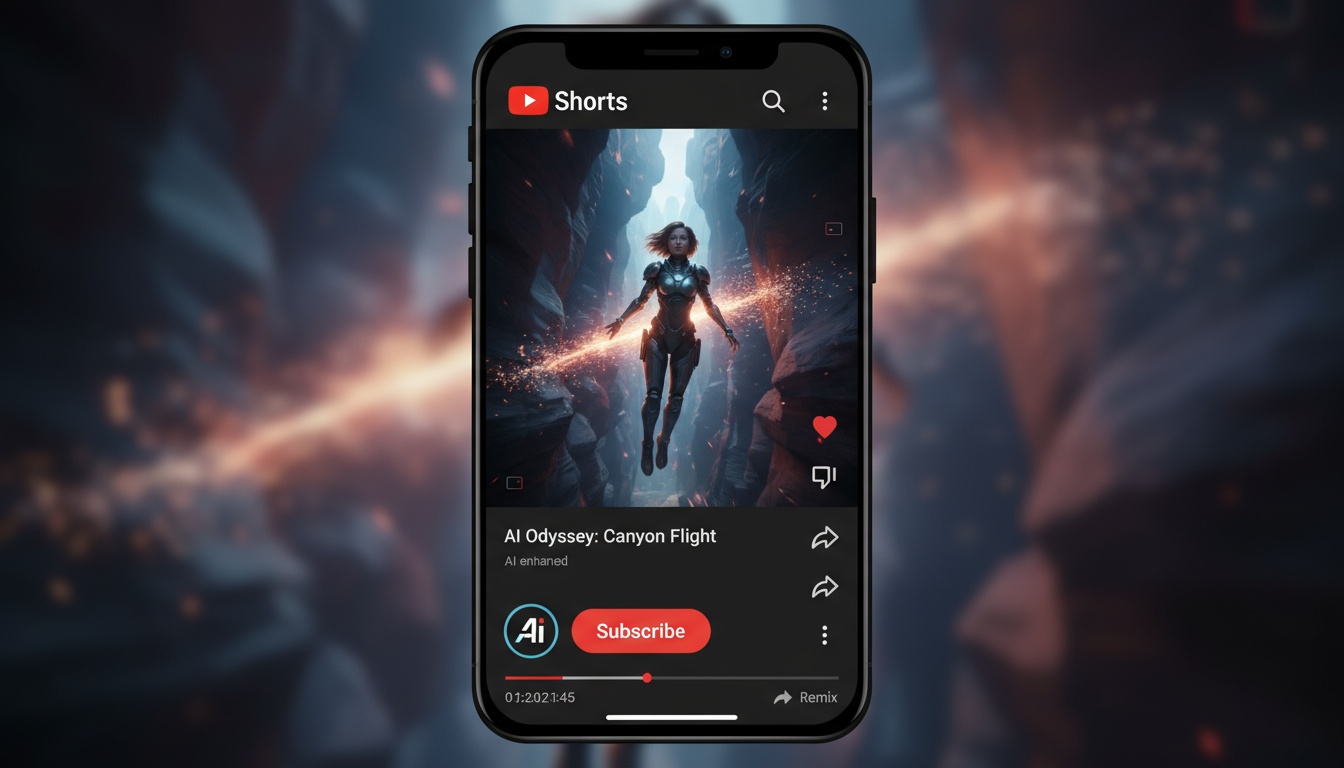
YouTube Shorts represents a massive opportunity for creators, with billions of daily views and dedicated monetization programs. AI video generators make it easier than ever to create professional Shorts that drive channel growth and viewer engagement.
Unlike long-form YouTube content that requires extensive editing, Shorts can be created in minutes using AI-powered tools that transform photos into compelling video content.
Why YouTube Shorts Need AI Effects
YouTube Shorts compete for attention alongside TikTok and Instagram Reels. AI-generated effects help your content stand out:
- •Professional polish - Studio-quality effects without expensive software
- •Rapid production - Create multiple Shorts daily for consistent growth
- •Unique visuals - Stand out in the Shorts feed with distinctive effects
- •Algorithm advantage - Higher engagement signals boost video distribution
- •Channel promotion - Eye-catching Shorts drive traffic to long-form content
The YouTube algorithm promotes Shorts that maintain viewer attention. AI effects create visual interest that keeps viewers watching through the entire video, signaling quality to the algorithm.
YouTube Shorts Specifications
Understanding YouTube's technical requirements ensures your Shorts perform optimally:
- •Aspect ratio - 9:16 vertical (1080x1920) for mobile viewing
- •Duration - Up to 60 seconds maximum
- •Resolution - 1080p recommended for HD quality
- •File format - MP4 or MOV for best compatibility
- •Thumbnail - YouTube auto-generates, but you can customize
AI video generators typically output in these specifications by default, making the process seamless for creators.
Create Engaging YouTube Shorts
Transform photos into professional Shorts with AI effects. Grow your channel faster with high-quality content.
Download VidezBest AI Effects for Different Content Types
Different niches benefit from specific AI effect styles:
Educational Content
Use camera movements to reveal information progressively. A dolly-in effect can emphasize key points, while pan movements work well for before-and-after comparisons or step-by-step processes.
Entertainment and Memes
Bold transformations and character effects create shareable content. These effects turn static images into engaging story moments that viewers want to share and comment on.
Product Reviews
Cinematic camera movements add professionalism to product showcases. Use effects that highlight product details or create reveals that build anticipation.
Lifestyle and Vlogs
Subtle effects that enhance rather than overpower work best. Light camera movements or gentle transitions maintain authenticity while improving production value.
YouTube Shorts Creation Workflow
Follow this optimized workflow for consistent Shorts production:
Step 1: Content Planning
Identify trending topics in your niche using YouTube search suggestions and trending Shorts. Plan 5-7 Shorts per week covering these topics.
Step 2: Photo Preparation
Select or create high-quality photos that represent your content. Good lighting and clear subjects are essential for effective AI generation.
Step 3: AI Generation
Upload your photo to an AI video generator and select appropriate effects. Generate multiple versions with different effects for later A/B testing.
Step 4: YouTube Studio Upload
Upload directly to YouTube Studio. Add engaging titles with keywords, descriptions with timestamps if needed, and relevant hashtags including #Shorts.
Optimizing for YouTube Algorithm
YouTube's Shorts algorithm prioritizes specific engagement signals. Optimize your AI-generated Shorts with these tactics:
- •Watch time - Effects that maintain attention throughout the video
- •Likes and comments - Engaging content that prompts interaction
- •Shares - Shareable effects that viewers want to send to others
- •Subscriber conversion - Clear channel branding encourages subscriptions
- •Click-through rate - Compelling thumbnails and titles
AI effects naturally improve watch time by creating visual interest. Pair this with strong calls-to-action for likes, comments, and subscriptions to maximize algorithm performance.
Monetization Strategies
YouTube offers multiple monetization paths for Shorts creators:
YouTube Partner Program
Once eligible, Shorts generate revenue through the Shorts Fund and ad revenue sharing. High-quality AI-generated content helps you reach monetization thresholds faster.
Channel Growth
Use Shorts to drive subscribers to your main channel. Include strong channel branding and calls-to-action directing viewers to long-form content.
Affiliate Marketing
Product-focused Shorts with AI effects can showcase affiliate products effectively. The visual effects draw attention to product features while maintaining professional quality.
Advanced Techniques
Take your Shorts to the next level with these advanced strategies:
Series Creation
Build recurring Shorts series using consistent AI effects. Daily or weekly series with predictable formats build loyal audiences who return for each installment.
Trend Adaptation
When trends emerge, quickly create your version using AI generation. The speed of AI tools lets you capitalize on trends while they're still gaining momentum.
Cross-Platform Strategy
Generate one AI video and adapt it for YouTube Shorts, TikTok, and Instagram Reels. Slightly modify titles and descriptions for each platform's algorithm and audience.
Common Mistakes to Avoid
- •Horizontal videos - Always use vertical 9:16 format for mobile viewers
- •Missing #Shorts hashtag - Required for YouTube to recognize it as a Short
- •Low-quality source photos - Poor input results in poor AI output
- •Inconsistent posting - Algorithm favors channels with regular content
- •Ignoring analytics - Track which effects drive the best performance
Measuring Success
Use YouTube Analytics to track these key metrics for your AI-generated Shorts:
- •Views - Total reach of your content
- •Average view duration - How long viewers watch
- •Swipe-away rate - Lower is better; indicates engaging content
- •Subscriber gain - Shorts should drive channel growth
- •Traffic source - Shorts feed vs. browse features vs. search
Analyze which AI effects correlate with the best performance metrics, then create more content using those successful styles.
Grow Your YouTube Channel with AI
Create professional Shorts in seconds. Join thousands of creators using AI to build successful YouTube channels.
Start CreatingFounder & GenAI Expert
Founder of Videz and generative AI expert with extensive experience building AI-powered products.
Related Articles

AI Video Prompts: 20+ Examples That Actually Work
Copy-and-paste AI video prompts that generate stunning results. Learn what makes effective prompts and get inspired by real examples across different styles.
AI Video Resolution Guide: 480p vs 720p vs 1080p
Understand the trade-offs between AI video resolutions. Learn which resolution to choose for speed, quality, and cost optimization across different platforms.
AI Videos for TikTok: Complete Creator's Guide to Viral Content
Learn how to create engaging TikTok videos using AI video generators. Master effects, trends, and optimization techniques to boost your TikTok presence.