AI Videos for TikTok: Complete Creator's Guide to Viral Content
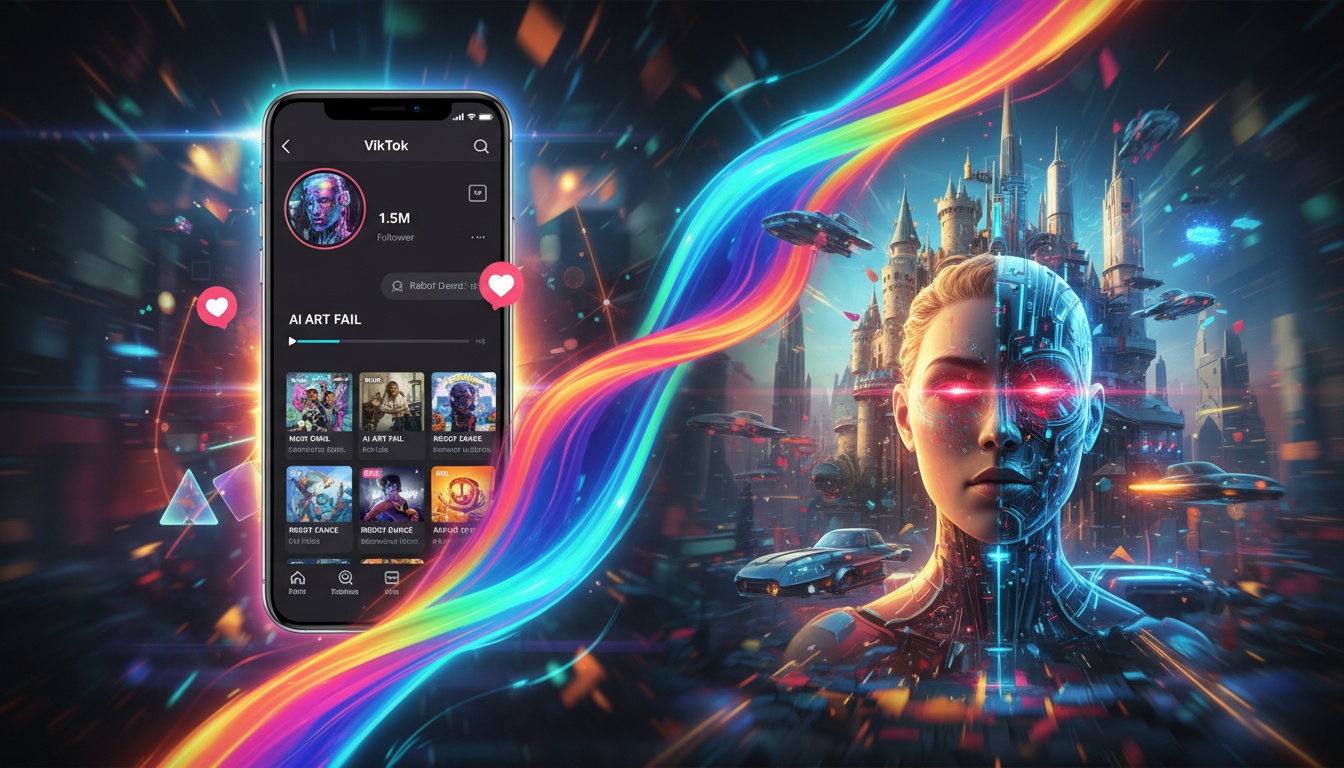
TikTok has revolutionized short-form content, and AI video generators are changing how creators produce viral videos. Whether you're a seasoned TikTok creator or just starting out, AI-powered tools can help you create eye-catching content that stands out in users' feeds.
The platform's algorithm favors unique, engaging content, making AI-generated videos with creative effects the perfect tool for capturing attention in the first few seconds.
Why AI Videos Work on TikTok
TikTok's audience craves novelty and creativity. AI video generators offer several advantages for creators:
- •Instant attention grabbers - AI effects create visual hooks in the first 0.5 seconds
- •Trend adaptation - Quickly jump on trending formats with custom effects
- •Professional quality - Studio-level results without expensive equipment
- •Consistent posting - Generate multiple variations quickly for daily content
- •Unique style - Stand out with effects competitors can't easily replicate
The key to TikTok success is capturing attention immediately. AI-generated transformations, effects, and camera movements provide that crucial visual punch that makes viewers stop scrolling.
Best AI Effects for TikTok Content
Different effects work for different content types. Here's what works best on TikTok:
1. Transformation Effects
Before-and-after transformations consistently go viral. Use effects like character transformations, style changes, or artistic filters to show dramatic changes from static photos.
2. Movement and Animation
Bring static images to life with camera movements. Dolly-in effects create cinematic reveals, while pan movements showcase different elements of your photo.
3. Trending Filters
Viral TikTok trends often revolve around specific visual styles. AI models can recreate and customize these effects with your own photos, letting you participate in trends while maintaining your unique style.
Start Creating Viral TikTok Content
Transform your photos into trending TikTok videos with AI effects in seconds. No editing experience required.
Download VidezOptimizing AI Videos for TikTok Algorithm
Creating great content is just the first step. Here's how to optimize AI-generated videos for maximum reach:
Video Specifications
- •Aspect ratio - Use 9:16 (vertical) for full-screen mobile viewing
- •Duration - Keep videos between 5-10 seconds for maximum engagement
- •Resolution - 1080p minimum for crisp, professional quality
- •File size - Under 50MB for faster uploads and processing
Content Strategy
Hook in 0.5 seconds - Start with the most dramatic visual transformation. The AI effect should begin immediately, no long intros. Sound selection matters - Pair your AI video with trending audio for double algorithm boost. Batch create content - Generate multiple variations of your photos to maintain consistent posting.
Test different effects - Try various AI effects to see what resonates with your audience. Some creators find character transformations work best, while others see better engagement with camera movements.
TikTok-Specific Workflows
Here's a proven workflow for TikTok creators using AI video generation:
Daily Content Creation
- •Morning: Generate 3-5 variations of your best photos with different effects
- •Afternoon: Test each video with trending audio in TikTok's editor
- •Evening: Post the best-performing combination during peak hours
- •Night: Analyze which effect got the most views in the first hour
Trend Jumping Strategy
When you spot a trending format, use AI generation to quickly create your version. Generate the effect, add trending audio, and post within hours of spotting the trend for maximum visibility.
Common TikTok Mistakes to Avoid
Even with AI tools, creators make mistakes that hurt performance:
- •Overusing the same effect - Rotate between different styles to keep content fresh
- •Ignoring trends - AI generation is fast enough to jump on trends immediately
- •Wrong aspect ratio - Always use 9:16 for TikTok; horizontal videos get less reach
- •Poor photo quality - Start with high-quality photos for best results
- •No hook - The effect must start within the first half-second
Measuring Success
Track these metrics to understand what works for your audience:
- •First-hour views - Strong indicator of algorithm pickup
- •Watch time percentage - Aim for 80%+ completion rate
- •Shares vs likes ratio - Shares indicate highly viral content
- •Effect performance - Which AI effects drive the most engagement
- •Best posting times - When your AI videos get the most initial traction
Use TikTok Analytics to identify your best-performing AI effects and double down on those styles.
Advanced TikTok Techniques
Once you've mastered the basics, try these advanced strategies:
Series content - Create ongoing series using consistent AI effects. For example, transforming a different photo each day with the same effect builds anticipation and follows. Duet-friendly videos - Generate AI videos specifically designed for others to duet or stitch, expanding your reach organically.
Niche effects - Use custom prompts to create effects specific to your niche. Fashion creators might use AI to show outfit transformations, while food creators could animate recipe photos.
Ready to Go Viral on TikTok?
Join thousands of TikTok creators using Videz to create trending content. Generate AI videos in seconds, post in minutes, and watch your views grow.
Start CreatingFounder & GenAI Expert
Founder of Videz and generative AI expert with extensive experience building AI-powered products.
Related Articles

AI Video Prompts: 20+ Examples That Actually Work
Copy-and-paste AI video prompts that generate stunning results. Learn what makes effective prompts and get inspired by real examples across different styles.
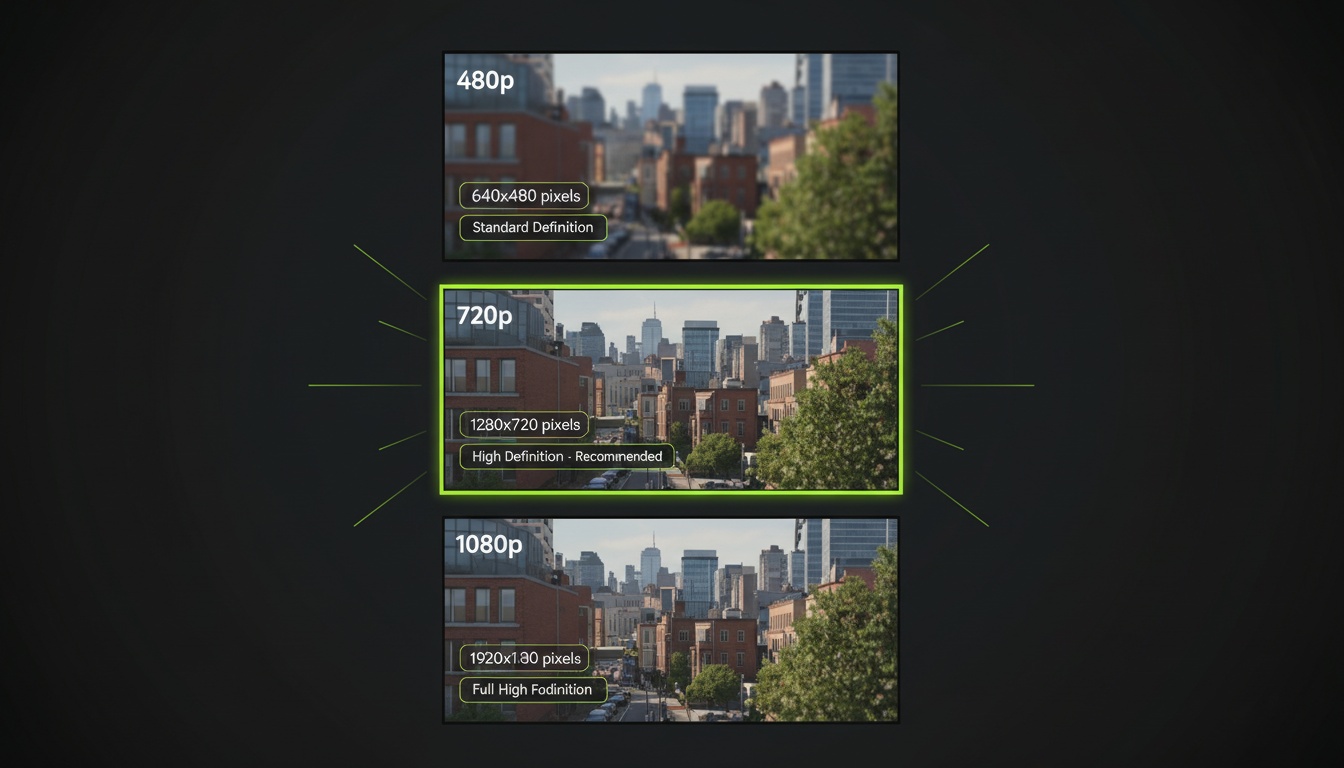
AI Video Resolution Guide: 480p vs 720p vs 1080p
Understand the trade-offs between AI video resolutions. Learn which resolution to choose for speed, quality, and cost optimization across different platforms.
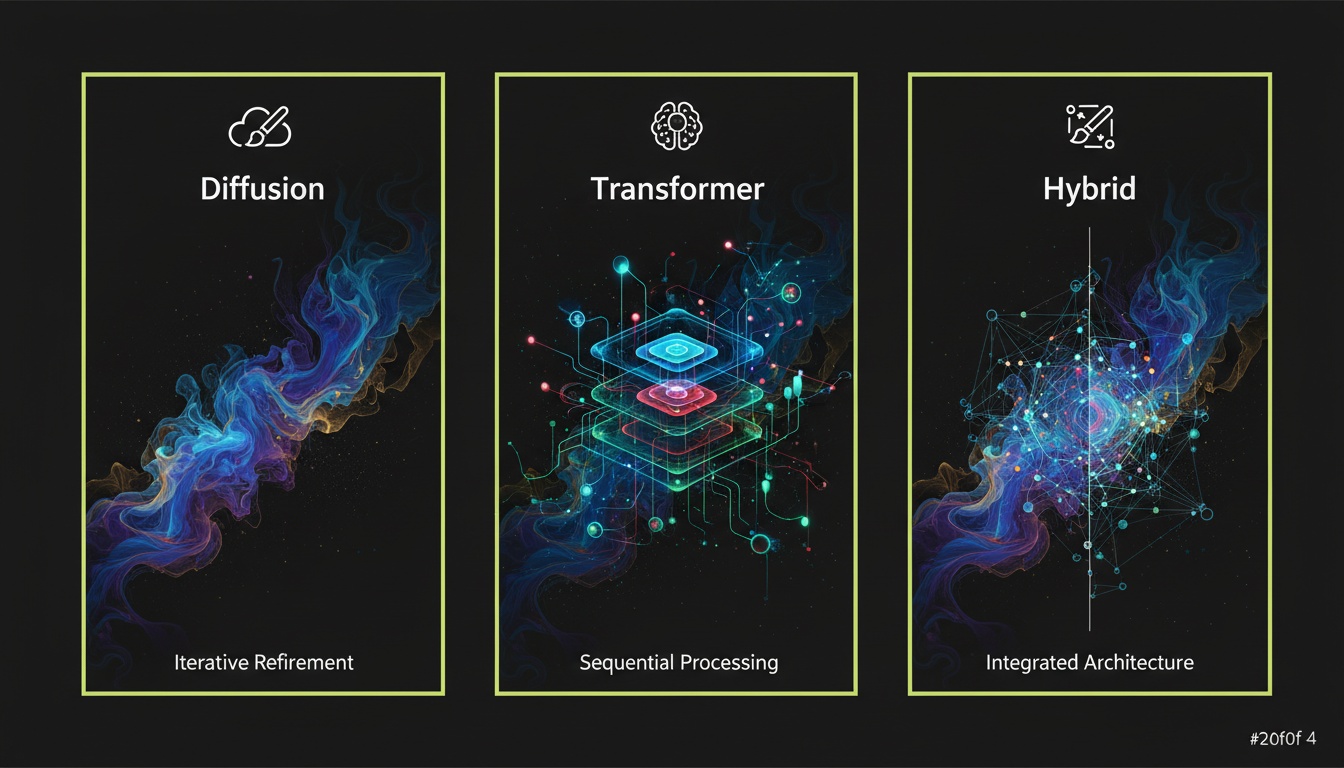
How to Choose the Right AI Video Model for Your Needs
Compare AI video generation models and learn which one works best for your projects. Understand model capabilities, trade-offs, and when to use each type.