Text to Video AI: Ultimate Beginner's Guide
Imagine describing a scene in words and watching it come to life as a fully-realized video. That's the power of text-to-video AI—technology that transforms written descriptions into moving images, no camera or filming required.
This breakthrough has democratized video creation in ways that seemed impossible just years ago. Whether you're a content creator, marketer, or just someone with a story to tell, text-to-video AI gives you the power to create professional-quality videos from nothing but your imagination and words.
How Does Text-to-Video AI Work?
Text-to-video AI uses advanced diffusion models trained on millions of video clips paired with text descriptions. During training, the AI learns the relationship between words and visual concepts—how "sunset" looks different from "sunrise," how "walking" differs from "running," how "dramatic" feels versus "peaceful."
When you provide a prompt, the AI goes through several steps:
- •Understanding: Breaks down your text into visual concepts and relationships
- •Planning: Determines scene composition, camera angles, and motion
- •Generation: Creates video frames that match your description
- •Refinement: Ensures smooth motion and consistent visuals across frames
- •Output: Delivers your final video, typically in 30-90 seconds
The entire inference process happens in the background. You just write what you want to see, and the AI model handles all the complexity of creating coherent, realistic motion video.
Writing Effective Video Prompts
The quality of your output directly depends on the quality of your input. A vague prompt like "make a video" will give you generic results. But a well-crafted prompt creates exactly the video you imagine.
Here's my formula for writing prompts that work:
1. Start with the subject and action:
"A woman walking through a forest" is clearer than "forest scene." Be specific about who or what is in your video and what they're doing.
2. Add environmental context:
"A woman walking through a misty autumn forest at dawn" gives the AI more visual cues to work with. Include time of day, weather, season, and atmosphere.
3. Specify camera work:
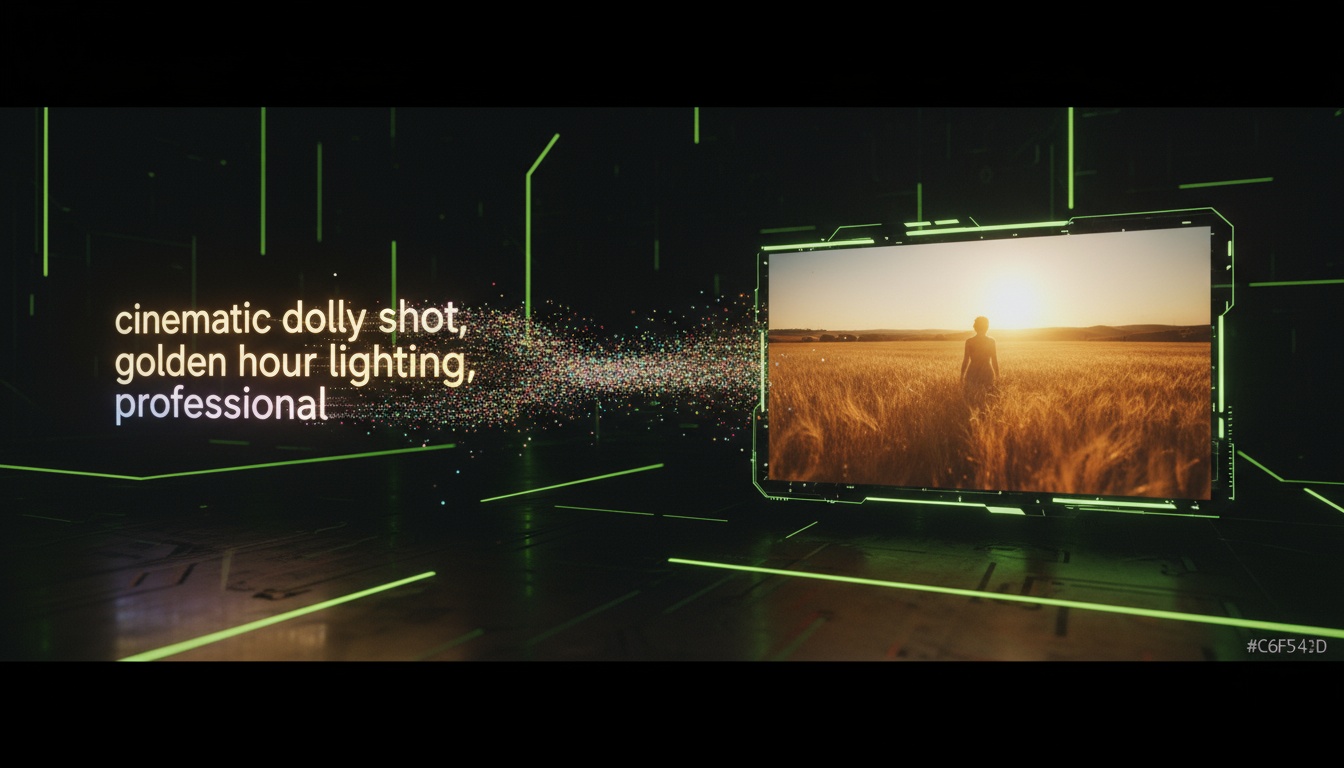
"Cinematic dolly shot of a woman walking through a misty autumn forest at dawn" tells the AI how to frame and move the camera, creating more professional-looking results.
Skip the Prompt Engineering
Videz includes pre-written prompts for every scenario. Just pick a template or let AI enhance your ideas.
Try Videz Free4. Include style and mood:
"Cinematic dolly shot of a woman walking through a misty autumn forest at dawn, moody lighting, film grain, warm color tones" adds artistic direction. These details make the difference between amateur and professional-looking videos.
5. Be descriptive, not prescriptive:
Instead of "make it look good," try "soft natural lighting, shallow depth of field, professional color grading." Describe what you want to see rather than telling the AI what to do.
Common Prompt Mistakes to Avoid
Learning what not to do is as important as knowing best practices. Here are mistakes that trip up even experienced creators:
- •Too vague: "Cool video" tells the AI nothing useful
- •Too complex: Describing 5 different scenes creates inconsistent results
- •Conflicting instructions: "Fast motion slow-motion" confuses the model
- •Missing key details: Forgetting to specify resolution or duration
- •Overly technical: Using cinematography jargon the model might not recognize
Remember that AI models are powerful but not mind-readers. The more clearly you communicate your vision in simple, descriptive language, the better your results.
Understanding AI Video Models
Different AI models have different strengths. Understanding these differences helps you choose the right tool for each project:
Diffusion-based models:
These create videos through an iterative denoising process, starting from random noise and gradually forming coherent images. They excel at artistic styles, creative effects, and unusual scenarios. Best for creative, stylized content.
Transformer-based models:
These understand context and relationships between elements better, creating more coherent narratives and realistic motion. Best for realistic, documentary-style videos.
Hybrid models:
Combine multiple approaches for balanced results. They offer good realism while maintaining creative flexibility. Best for general-purpose video creation.
You don't need to understand the technical details to use these models effectively. Just know that if your first model doesn't give you the results you want, trying a different one might solve the problem instantly.
Optimizing for Quality and Speed
Text-to-video generation involves trade-offs between quality, speed, and cost. Here's how to balance these factors:
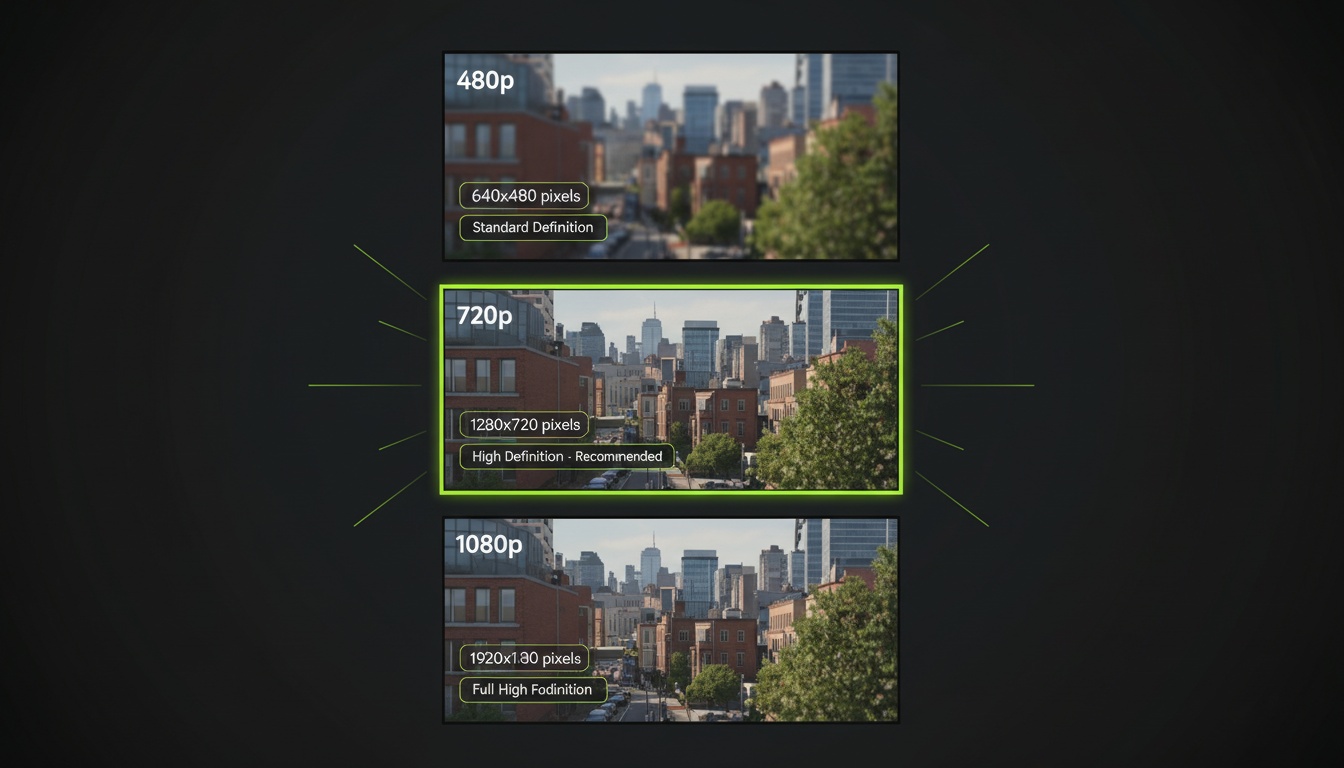
- •Resolution: Higher resolution (1080p) looks better but takes longer to generate
- •Duration: Longer videos (10s vs 5s) require more processing time
- •Complexity: Simple scenes generate faster than complex multi-element scenes
- •Style: Realistic rendering is slower than stylized or artistic effects
- •Iteration: Sometimes generating multiple quick versions beats one slow perfect version
For social media content, 720p at 5 seconds often hits the sweet spot of quality and speed. For professional projects or high-impact moments, invest in 1080p at 10 seconds for maximum polish.
Fast, High-Quality Video Generation
Videz optimizes generation speed without sacrificing quality. Most videos ready in under 60 seconds.
Get Videz NowWhen to Use Text-to-Video vs Image-to-Video
Text-to-video AI is powerful, but sometimes starting with an image gives you more control. Here's when to use each approach:
Use Text-to-Video when:
- •Creating entirely new scenes from imagination
- •You don't have source photos or footage
- •Generating abstract or conceptual content
- •Speed matters more than pixel-perfect accuracy
- •Experimenting with creative ideas quickly
Use Image-to-Video when:
- •You have a specific photo you want to animate
- •Brand consistency requires using exact images
- •You need precise control over composition
- •Working with photos of real people or products
- •Quality and accuracy are top priorities
Many successful creators use both approaches together: text-to-video for concepting and experimentation, then image-to-video for final polished content.
Advanced Prompt Engineering Tips
Ready to level up your text-to-video prompts? These advanced techniques separate good results from exceptional results:
- •Use power words: "Cinematic," "dramatic," "ethereal" trigger specific visual styles
- •Reference art styles: "In the style of Wes Anderson" or "Studio Ghibli aesthetic"
- •Specify lighting: "Golden hour," "neon lighting," "studio lighting" control mood
- •Control pacing: "Slow motion," "time-lapse," "real-time speed"
- •Add texture details: "Film grain," "crisp clarity," "soft focus"
Build a prompt library of phrases that consistently give you good results. Over time, you'll develop a personal vocabulary that creates your signature visual style.
Start Creating With Text-to-Video AI
Text-to-video AI has opened video creation to everyone with an imagination and basic writing skills. You don't need cameras, actors, locations, or editing expertise. Just clear ideas and well-written prompts.
Start simple. Create short 5-second videos with straightforward prompts. As you see what works, gradually add more detail and sophistication to your descriptions. The learning curve is fast—most creators feel confident after just a few attempts.
The future of video creation is here, and it starts with words instead of cameras. What will you create first?
Turn Your Words Into Videos Today
Videz makes text-to-video AI simple. Write what you want to see, adjust settings, and watch your vision come to life. No technical skills required.
Download VidezFounder & GenAI Expert
Founder of Videz and generative AI expert with extensive experience building AI-powered products.
Related Articles

AI Video Prompts: 20+ Examples That Actually Work
Copy-and-paste AI video prompts that generate stunning results. Learn what makes effective prompts and get inspired by real examples across different styles.
AI Video Resolution Guide: 480p vs 720p vs 1080p
Understand the trade-offs between AI video resolutions. Learn which resolution to choose for speed, quality, and cost optimization across different platforms.
AI Videos for TikTok: Complete Creator's Guide to Viral Content
Learn how to create engaging TikTok videos using AI video generators. Master effects, trends, and optimization techniques to boost your TikTok presence.