From Photo to Viral Video: AI Animation Tutorial
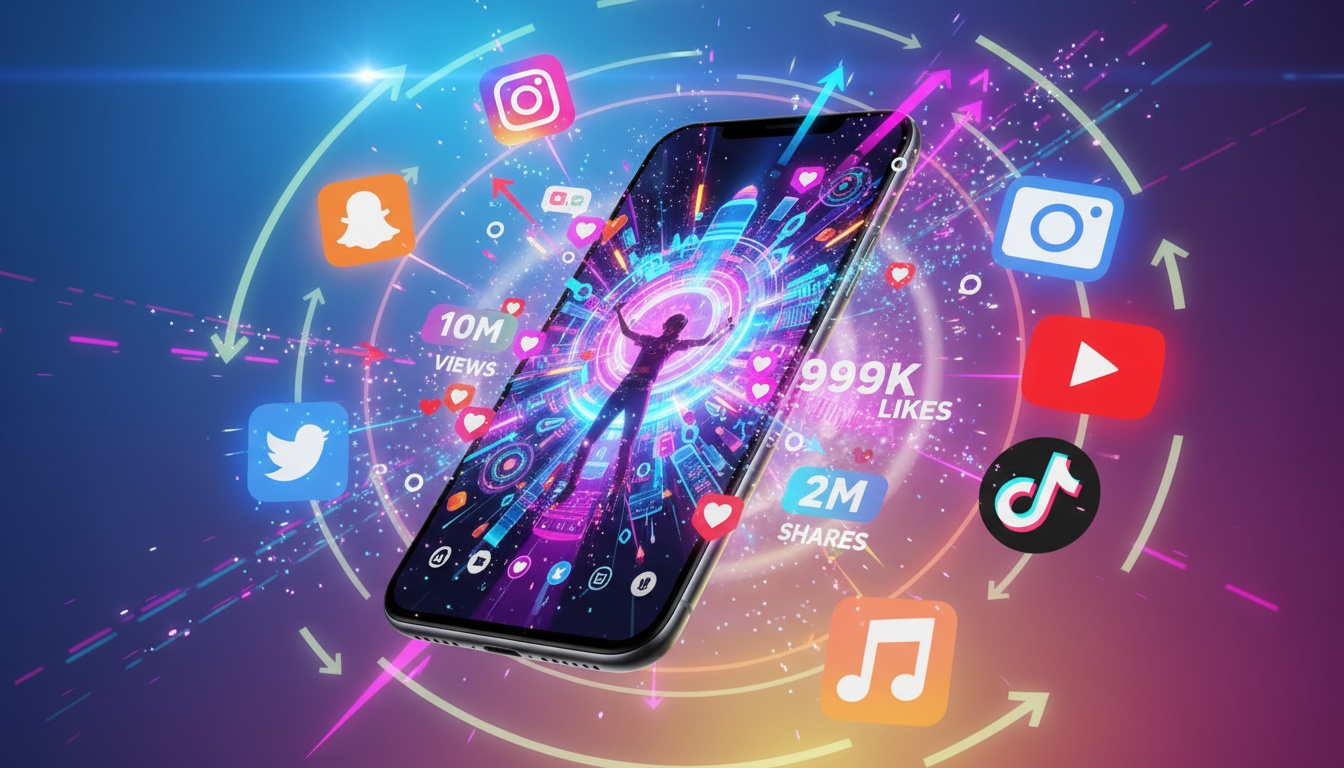
What makes a video go viral? It's not luck—it's a formula. And with AI animation technology, you can apply that formula to transform any photo into shareable, engaging content that racks up views. I've analyzed hundreds of viral AI videos to identify the patterns that work.
In this tutorial, I'll walk you through the exact process I use to create videos that regularly hit hundreds of thousands of views. From photo selection to final posting strategy, you'll learn every step of the viral video creation formula.
The Viral Video Formula
Viral videos across TikTok, Instagram, and YouTube Shorts share common elements. Understanding this formula is crucial before you even select a photo:
- •Instant hook: Grabs attention in the first second
- •Visual surprise: Shows something unexpected or impressive
- •Emotional resonance: Makes viewers feel something (awe, humor, nostalgia)
- •Shareability factor: Content viewers want to show their friends
- •Replaceability: Viewers imagine themselves creating similar content
AI animation naturally hits several of these points. The transformation from static photo to moving video is inherently surprising. The visual effects create emotional impact. And because anyone can do it, viewers see it as achievable, not just impressive.
Step 1: Selecting Your Viral-Ready Photo
Not every photo has viral potential. Here's what to look for when choosing your source image:
Strong focal point:
The viewer's eye should immediately know where to look. Clear subjects work better than busy scenes. A single person's face beats a crowd. One product beats five.
Emotional expression or energy:
Photos with personality outperform neutral ones. Laughing, excited, confident, mysterious—any strong emotion translates well to video animation. Static corporate headshots? Not viral material.
High quality without over-editing:
Sharp, well-lit photos work best, but avoid over-processed images with heavy filters. The AI needs authentic visual information to create convincing animation. Natural photos beat Instagram-filtered ones.
Relatable or aspirational:
The most viral content either shows everyday people (relatable) or extraordinary scenes (aspirational). Middle ground is forgettable. Your grandma's old photo? Relatable. Stunning landscape shot? Aspirational. Random object? Unlikely to viral.
Turn Any Photo Into a Viral Video
Videz makes AI animation accessible to everyone. No technical skills, no expensive equipment required.
Try Videz FreeStep 2: Choosing the Right AI Effect
The effect you choose dramatically impacts virality. Different effects work for different content strategies:
For humor and entertainment:
- •Character transformations (Hulk, Shrek, Disney)
- •Unexpected effects (Cakeify, meme styles)
- •Exaggerated animations that make people laugh
For aesthetic and artsy content:
- •Cinematic camera movements (dolly, pan, zoom)
- •Style transfers (anime, artistic filters)
- •Atmospheric effects (vintage, film grain)
For nostalgia and emotions:
- •Old photo restoration and animation
- •Vintage film effects on family photos
- •Slow, reverent camera movements on meaningful images
For wow factor and shares:
- •Dramatic transformations (3D effects, Pixar style)
- •Bullet time and complex camera movements
- •Before/after style reveals
Choose based on your target audience and platform. TikTok favors humor and trends. Instagram loves aesthetics. YouTube Shorts appreciates wow factor.
Step 3: Optimizing Generation Settings
Technical settings matter more than you think for viral potential. Here's how to optimize:
Resolution:
Always choose at least 720p, preferably 1080p for platforms that support it. Low-resolution videos look amateurish and get scrolled past. Quality signals professionalism even in fun content.
Duration:
For viral content, shorter is better. 5-10 seconds is the sweet spot. Viewers can watch multiple times, completion rate stays high, and it's easy to share. Save longer durations for educational content.
Aspect Ratio:
Match your target platform: 9:16 vertical for TikTok, Instagram Reels, and YouTube Shorts. 1:1 square for Instagram feed. 16:9 horizontal for YouTube. Never use the wrong aspect ratio—it kills viral potential instantly.
Movement Speed:
For viral content, dynamic movement beats slow and subtle. You want immediate visual interest that stands out in fast-scrolling feeds. Save contemplative slow movements for different content types.
Step 4: The Hook Strategy
Even the best AI animation fails without a strong hook. Here's how to grab attention immediately:
Visual hook:
Start with action already happening. Don't show a static photo that gradually animates—show the animation mid-transformation. The first frame should be visually arresting.
Text overlay hook:
Add text in the first second asking a question ("Can AI really do this?") or making a bold claim ("This photo is 50 years old"). Text hooks work because people read faster than they process visuals.
Pattern interrupt:
Show something unexpected. If everyone's doing Disney transformations, try something different. Stand out by zagging when others zig.
40+ Viral-Ready Effects
Every Videz effect is designed for maximum visual impact from frame one. Perfect for creating viral content.
Get Videz NowStep 5: Adding the Secret Sauce
Great AI animation gets you 80% there. These finishing touches take you to 100% viral potential:
Trending audio:
Pair your AI video with currently trending sounds on your platform. This is non-negotiable for TikTok and highly recommended for Instagram Reels. Trending audio gives you algorithmic boost.
Captions that convert:
Your caption should either ask a question, tease a tutorial, or make a relatable statement. "Wait until the end 🤯" works because it explicitly tells viewers to watch fully. "Drop a ❤️ if you want to see more" drives engagement.
Strategic hashtags:
Use 3-5 relevant hashtags, not 30. Mix one trending hashtag, one niche hashtag for your topic, and one broad hashtag. Avoid spammy or banned hashtags that hurt reach.
Thumbnail optimization:
The first frame of your video serves as the thumbnail in some feeds. Make sure it's visually compelling with clear composition and interesting elements.
Step 6: Timing Your Post
Posting at the right time can double your views. Platform-specific timing strategies:
TikTok:
Post between 6-10 PM in your target audience's timezone. Tuesday, Thursday, and Friday see highest engagement. TikTok's algorithm gives new posts a small initial push—capitalize on it during active hours.
Instagram:
Wednesday and Friday 11 AM-1 PM perform well for most niches. Instagram's algorithm favors posts that get rapid initial engagement, so timing matters more here than TikTok.
YouTube Shorts:
Less time-sensitive than other platforms, but weekend mornings (9-11 AM) see good engagement. YouTube Shorts have longer discovery windows—a video can go viral weeks after posting.
Step 7: Amplification Strategy
Don't just post and pray. Actively amplify your content:
- •Engage immediately: Reply to first comments within minutes to boost algorithm signals
- •Share to Stories: Cross-promote your Reel in Stories for your existing audience
- •Send to friends: Encourage genuine shares by making shareable content
- •Repost at peak times: If a video flops, delete and repost at a better time
- •Series strategy: If one video succeeds, create follow-ups riding that momentum
The first hour after posting is critical for viral potential. High engagement signals quality to algorithms, triggering wider distribution.
Learning From Analytics
Every video teaches you something. Track these metrics:
- •Watch time percentage: How many viewers finish your video?
- •Saves: High saves signal valuable content worth revisiting
- •Shares: The ultimate viral signal—people showing others
- •Comments: Quality engagement beats passive views
- •Traffic sources: Where are viewers finding your content?
Double down on what works. If vintage effect videos get more shares than Disney transformations, create more vintage content. Let data guide your strategy.
Start Creating Viral Videos Today
You now have the complete viral video formula. Great photo + right AI effect + strategic optimization + perfect timing + active amplification = viral potential. It's not guaranteed (nothing is), but this formula dramatically increases your odds.
The beauty of AI animation is the low barrier to entry. You don't need expensive equipment, professional editing skills, or a production team. Just your photos, AI tools, and this formula.
Your Viral Video Starts Here
Videz gives you everything you need: 40+ viral-ready effects, perfect aspect ratios for every platform, instant generation, and professional quality. Download now and create your first viral video today.
Download VidezFounder & GenAI Expert
Founder of Videz and generative AI expert with extensive experience building AI-powered products.
Related Articles

AI Video Prompts: 20+ Examples That Actually Work
Copy-and-paste AI video prompts that generate stunning results. Learn what makes effective prompts and get inspired by real examples across different styles.
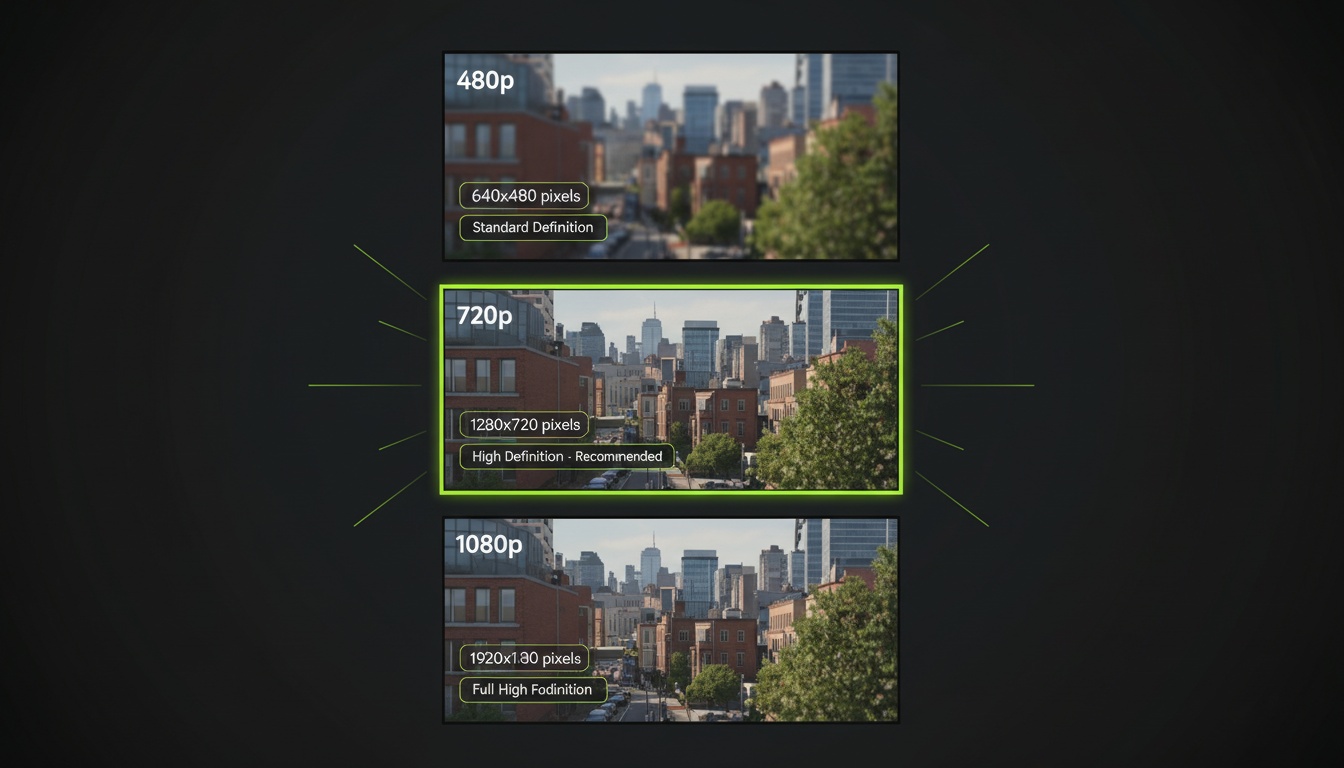
AI Video Resolution Guide: 480p vs 720p vs 1080p
Understand the trade-offs between AI video resolutions. Learn which resolution to choose for speed, quality, and cost optimization across different platforms.
AI Videos for TikTok: Complete Creator's Guide to Viral Content
Learn how to create engaging TikTok videos using AI video generators. Master effects, trends, and optimization techniques to boost your TikTok presence.