Instagram Reels with AI: Complete Tutorial for Content Creators
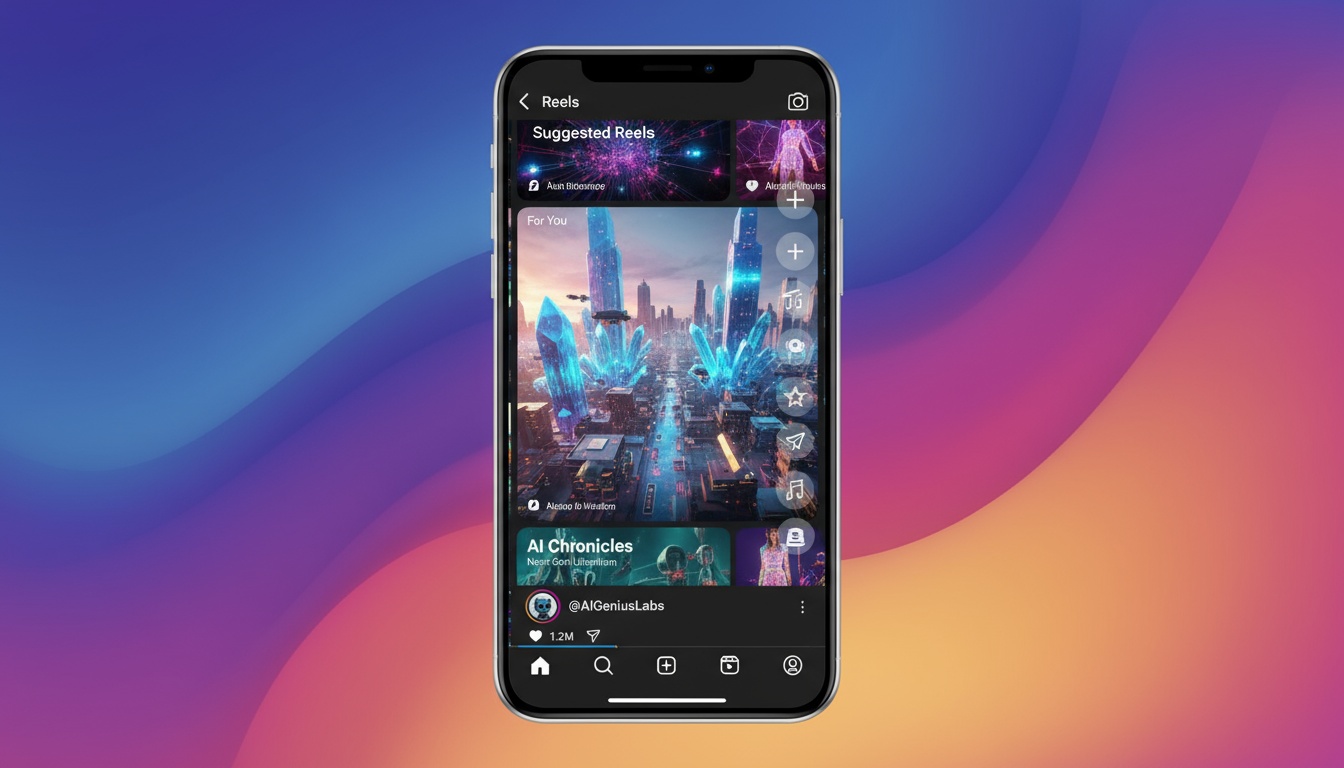
Instagram Reels has become the primary growth engine on Instagram, with AI-generated videos giving creators a significant edge. This comprehensive guide shows you how to leverage AI video generation to create professional Reels that drive engagement and followers.
Unlike traditional video editing that requires hours of work, AI video generators transform photos into polished Reels in seconds, letting you focus on strategy and consistency rather than technical skills.
Why AI Video Generation Works for Reels
Instagram's algorithm prioritizes Reels, especially those that keep viewers engaged. AI-generated videos offer unique advantages:
- •High production value - Professional-looking effects without expensive equipment
- •Consistent quality - Every Reel maintains the same polished standard
- •Rapid creation - Generate multiple Reels daily to stay top-of-feed
- •Visual variety - Different effects prevent content fatigue
- •Trend adaptation - Quickly create videos matching trending formats
The Instagram algorithm rewards accounts that post Reels consistently. AI generation removes the time barrier, enabling daily posting without quality compromise.
Instagram Reels Specifications
Before creating content, understand Instagram's technical requirements:
- •Aspect ratio - 9:16 vertical for maximum screen coverage
- •Resolution - 1080x1920 pixels minimum for HD quality
- •Duration - 5-90 seconds (shorter performs better)
- •File format - MP4 for best compatibility
- •File size - Under 4GB for smooth uploads
Most AI video generators automatically output content in these specifications, but always verify before posting.
Create Professional Instagram Reels
Transform your photos into stunning Reels with AI effects. Perfect quality, every time.
Download VidezChoosing the Right AI Effects for Reels
Different content types require different effects. Here's what works best:
For Personal Brands
Use subtle camera movements and cinematic effects that add professionalism without overwhelming your message. Dolly-in movements create intimate connections, while slow pans add elegance to lifestyle content.
For Product Showcases
Dynamic effects that highlight product details work best. Camera movements that circle or zoom into products create engaging reveals that keep viewers watching until the end.
For Entertainment Content
Bold transformations and creative effects grab attention. Character transformations, artistic filters, and dramatic style changes work well for meme-style content and entertainment accounts.
Step-by-Step Reels Creation Workflow
Follow this proven workflow for creating high-performing Reels with AI:
1. Photo Selection
Choose high-quality photos with good lighting and clear subjects. The AI works best with well-composed images where the main subject is in focus. Avoid blurry or dark photos.
2. Effect Selection
Select an AI effect that matches your content goals. For professional content, use camera movements. For entertainment, try character transformations or creative filters.
3. Generation and Preview
Generate the video and preview it before posting. Check that the effect applies correctly and the timing feels right. Most AI generators complete this in under 30 seconds.
4. Instagram Editing
Import your AI-generated video to Instagram Reels editor. Add trending audio, text overlays, and stickers. The AI handles the visual effects; you add the social elements.
5. Optimization and Posting
Write an engaging caption with 3-5 relevant hashtags. Post during your audience's peak activity times for maximum initial engagement.
Advanced Reels Strategies
Once you've mastered the basics, implement these advanced techniques:
Batch Content Creation
Dedicate one hour per week to generating 7-14 AI videos. This creates a content buffer, ensuring you never miss a posting day even during busy periods.
A/B Testing Effects
Generate the same photo with different AI effects. Post both versions at different times and compare performance. This data shows which effects resonate best with your specific audience.
Series Content
Create recurring series using consistent AI effects. For example, "Transformation Tuesday" where you use the same effect weekly builds anticipation and routine viewing.
Maximizing Engagement
AI-generated videos are just the foundation. Maximize engagement with these tactics:
- •Hook in first second - Start with the most dramatic part of the effect
- •Trending audio - Pair AI videos with popular music for algorithm boost
- •Call to action - Ask viewers to comment, share, or save
- •Caption storytelling - Use captions to add context to visual effects
- •Strategic hashtags - Mix popular and niche hashtags for discovery
The combination of high-quality AI visuals and strategic Instagram tactics creates a powerful growth engine for your account.
Common Mistakes to Avoid
Even with AI tools, these mistakes can hurt your Reels performance:
- •Inconsistent posting - AI removes time barriers; post daily for best results
- •Ignoring trends - Use trending audio even with AI-generated visuals
- •Over-editing - Let the AI effect be the star; don't add too many layers
- •Wrong dimensions - Always use 9:16 vertical format
- •Reposting TikToks - Instagram deprioritizes content with watermarks; generate fresh videos
Tracking Performance
Monitor these metrics in Instagram Insights to optimize your strategy:
- •Reach - How many unique accounts saw your Reel
- •Plays - Total number of times viewed
- •Average watch percentage - Higher percentages signal quality content
- •Shares - Strong indicator of viral potential
- •Saves - Shows valuable, reference-worthy content
Use this data to identify which AI effects drive the best results for your specific niche and audience.
Start Growing Your Instagram Today
Join successful creators using AI to create scroll-stopping Reels. Professional quality, zero editing experience required.
Get StartedFounder & GenAI Expert
Founder of Videz and generative AI expert with extensive experience building AI-powered products.
Related Articles

AI Video Prompts: 20+ Examples That Actually Work
Copy-and-paste AI video prompts that generate stunning results. Learn what makes effective prompts and get inspired by real examples across different styles.
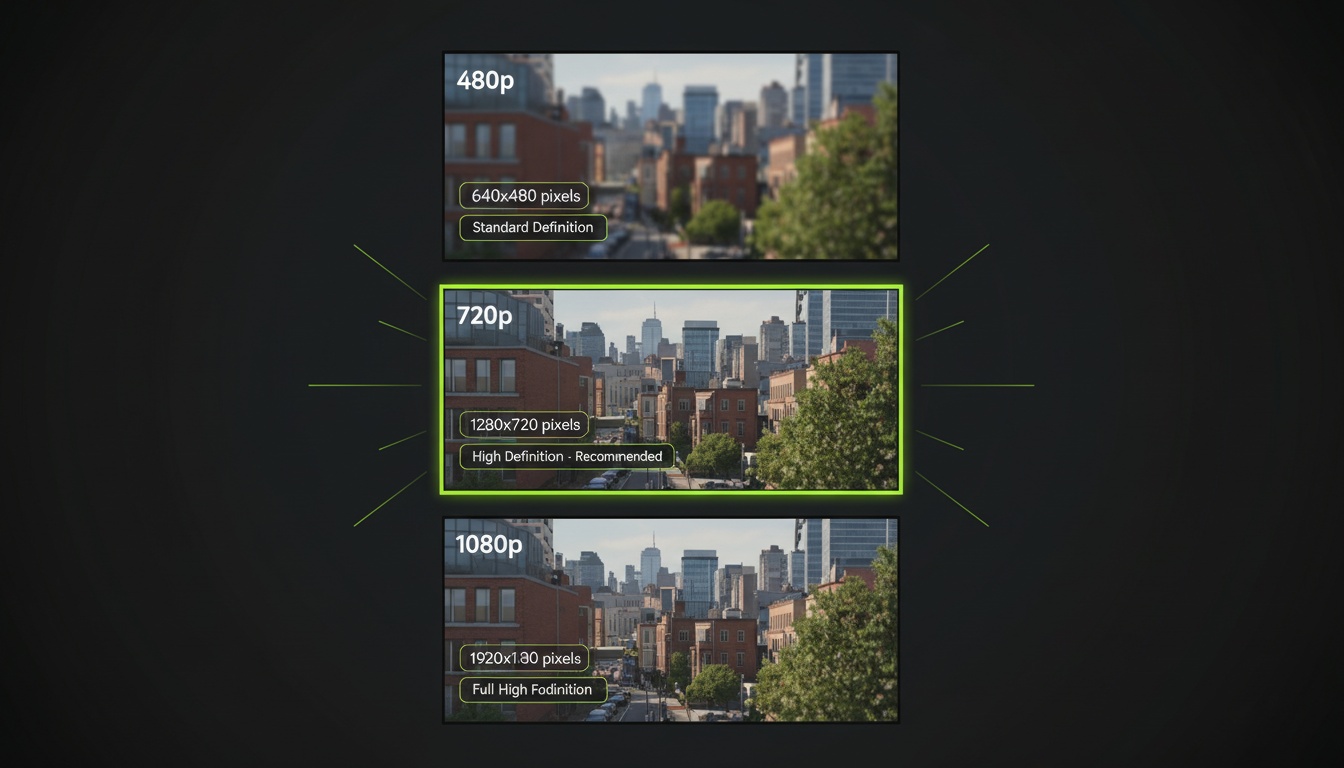
AI Video Resolution Guide: 480p vs 720p vs 1080p
Understand the trade-offs between AI video resolutions. Learn which resolution to choose for speed, quality, and cost optimization across different platforms.
AI Videos for TikTok: Complete Creator's Guide to Viral Content
Learn how to create engaging TikTok videos using AI video generators. Master effects, trends, and optimization techniques to boost your TikTok presence.