How to Create AI Videos from Photos in 3 Easy Steps
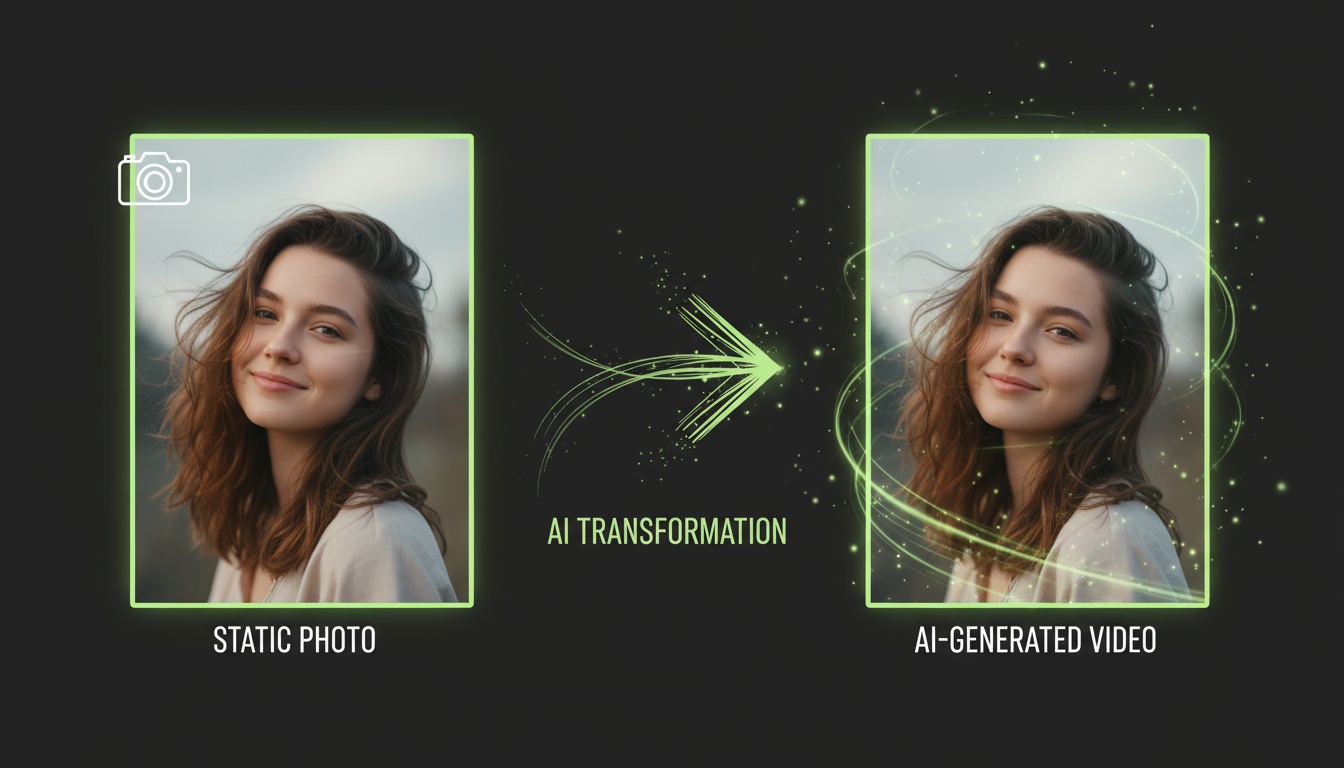
Ever looked at a photo and wished you could bring it to life? With AI video generation, that's no longer just a dream. Modern AI models can transform any static image into a dynamic, moving video in just minutes—no video editing experience required.
Whether you're creating content for Instagram Reels, TikTok, or YouTube Shorts, AI-powered photo-to-video conversion has become an essential tool for creators. In this guide, I'll walk you through the exact 3-step process I use to create professional AI videos from photos.
Why Convert Photos to Videos with AI?
Before we dive into the how-to, let's talk about why this matters. Video content gets 1200% more shares than text and images combined on social media. But creating videos traditionally requires expensive equipment, editing software, and hours of your time.
AI video generation changes everything. With advanced diffusion models and intelligent prompt understanding, you can:
- •Transform family photos into cinematic memories
- •Animate product images for marketing campaigns
- •Create viral content for social media in minutes
- •Add motion to historical or archival photos
- •Generate professional videos without expensive equipment
Ready to Create Your First AI Video?
Download Videz and transform your photos into stunning videos in under 60 seconds.
Get Videz FreeStep 1: Choose the Right Photo
Not all photos work equally well for AI video generation. The quality of your input directly affects your output. Here's what makes a great source photo for AI video creation:
- •High resolution: Aim for at least 1080x1080 pixels for best results
- •Clear subject: Photos with a distinct focal point work better than busy scenes
- •Good lighting: Well-lit images produce smoother, more realistic motion
- •Interesting composition: Dynamic angles or subjects with potential for movement
- •Minimal blur: Sharp, in-focus images yield higher quality videos
Common photo types that work exceptionally well include portraits, product shots, landscape photography, pets, and action poses. Photos with obvious directional elements (like a person looking to the side or a car pointed forward) give the AI clear motion cues to work with.
Step 2: Write an Effective Prompt
The prompt is your creative direction to the AI. Think of it as telling a director exactly what you want to see in your video. A well-crafted prompt can mean the difference between a generic animation and a stunning cinematic masterpiece.
Here's my formula for writing effective AI video prompts:
- •Start with the action: "Camera slowly zooms in", "Subject turns head", "Background blurs"
- •Add atmosphere: "Cinematic lighting", "Golden hour glow", "Dramatic shadows"
- •Specify style: "Professional photography", "Film noir aesthetic", "Vibrant colors"
- •Include motion details: "Smooth dolly shot", "Gentle pan left", "Floating camera movement"
- •Set the mood: "Mysterious", "Joyful", "Epic", "Intimate"
For example, instead of "make the photo move," try: "Cinematic dolly-in shot with the subject making eye contact with the camera, professional lighting, warm golden hour atmosphere, smooth motion." The difference in output quality is remarkable.
Skip the Learning Curve
Videz includes 40+ pre-built effects and camera movements. No prompt writing required.
Try Effects NowStep 3: Generate and Fine-Tune
Once you've selected your photo and crafted your prompt, it's time to generate your video. Here's what the generation process looks like:
- •Upload your photo: Most AI video tools accept JPG, PNG, or HEIC formats
- •Enter your prompt: Paste your crafted description or select a preset effect
- •Choose settings: Select resolution (720p or 1080p) and duration (5s or 10s)
- •Hit generate: The AI typically takes 30-90 seconds to process
- •Review results: Preview your video before downloading
The inference process uses advanced diffusion models to understand your photo and prompt, then generates motion frame-by-frame. Modern AI models can create incredibly smooth, realistic movement that rivals professional video editing.
If your first attempt isn't perfect, don't worry. Try adjusting:
- •Your prompt specificity: Add more detail or simplify based on results
- •Resolution settings: Higher resolution takes longer but looks better
- •Camera movement type: Try different movements (zoom, pan, dolly)
- •Source photo: Sometimes a different angle or lighting works better
Advanced Tips for Pro Results
Ready to take your AI videos to the next level? Here are insider tips I've learned from creating thousands of AI videos:
- •Use aspect ratios strategically: 9:16 for Instagram Reels/TikTok, 16:9 for YouTube, 1:1 for feeds
- •Batch similar photos: Generate multiple variations with the same prompt for consistency
- •Study successful examples: Pay attention to what prompts create the effects you like
- •Combine effects: Some tools let you layer multiple AI transformations
- •Export in high quality: Always choose the highest resolution your platform supports
Remember that AI video generation is as much an art as it is a science. The more you experiment with different photos, prompts, and settings, the better you'll understand what creates compelling results.
Common Mistakes to Avoid
Even experienced creators make these mistakes when starting with AI video generation:
- •Using low-quality source photos: Garbage in, garbage out applies here
- •Overly complex prompts: Sometimes simple and clear works better than elaborate
- •Ignoring aspect ratio: Square videos look wrong on TikTok, vertical looks odd on YouTube
- •Not previewing before sharing: Always watch your full video before posting
- •Expecting perfection first try: AI is powerful but requires iteration
The good news? Every "failed" generation teaches you something about how the AI model interprets images and prompts. Embrace the experimentation process.
Start Creating AI Videos Today
Transforming photos into videos with AI has never been more accessible. Whether you're a content creator, marketer, or just someone who wants to bring memories to life, these 3 simple steps will get you started.
The technology is only getting better, with new AI models launching regularly that offer even more realistic motion, better understanding of complex prompts, and faster generation times. Now is the perfect time to start experimenting and building your AI video creation skills.
Transform Your Photos into Videos in 60 Seconds
Videz makes AI video creation effortless. Choose from 40+ effects, 15 camera movements, or write custom prompts. Download now and create your first AI video free.
Download VidezFounder & GenAI Expert
Founder of Videz and generative AI expert with extensive experience building AI-powered products.
Related Articles

AI Video Prompts: 20+ Examples That Actually Work
Copy-and-paste AI video prompts that generate stunning results. Learn what makes effective prompts and get inspired by real examples across different styles.
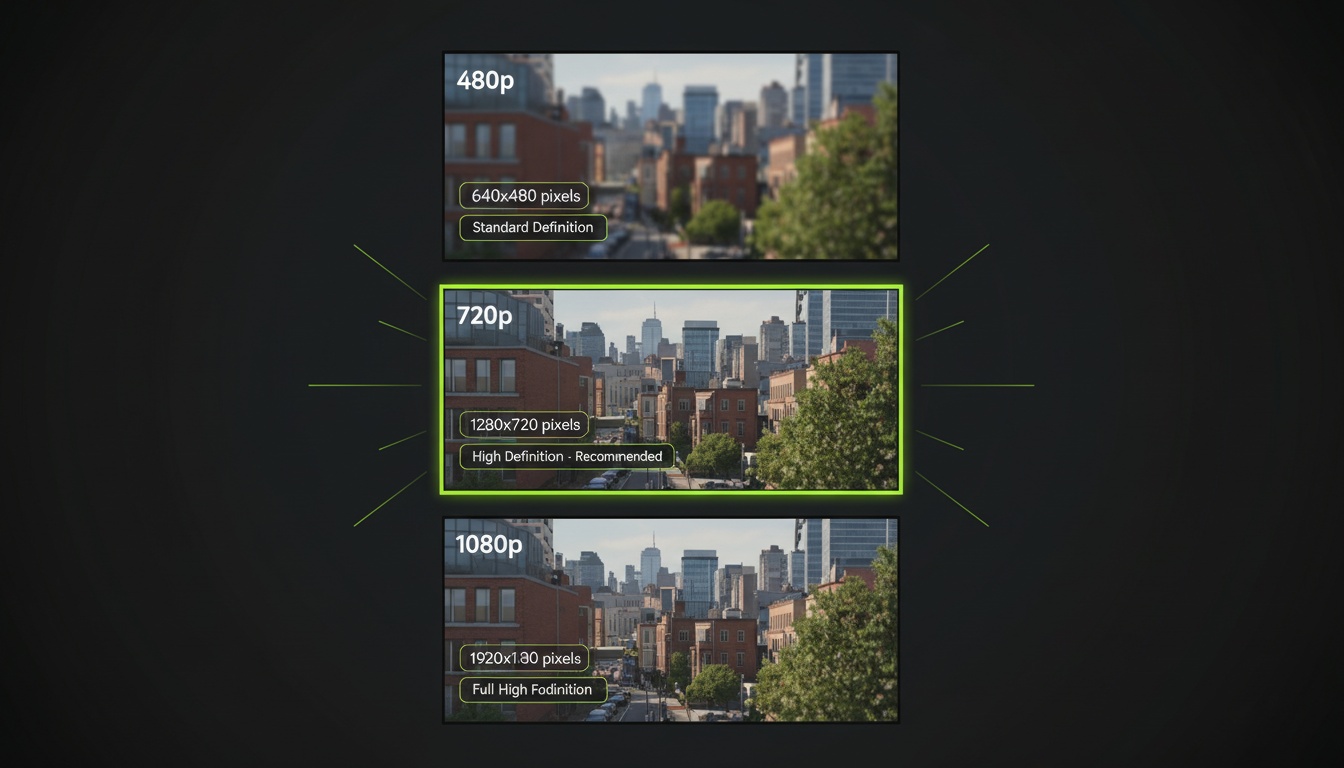
AI Video Resolution Guide: 480p vs 720p vs 1080p
Understand the trade-offs between AI video resolutions. Learn which resolution to choose for speed, quality, and cost optimization across different platforms.
AI Videos for TikTok: Complete Creator's Guide to Viral Content
Learn how to create engaging TikTok videos using AI video generators. Master effects, trends, and optimization techniques to boost your TikTok presence.