How to Create Polaroid-Style AI Videos in Minutes
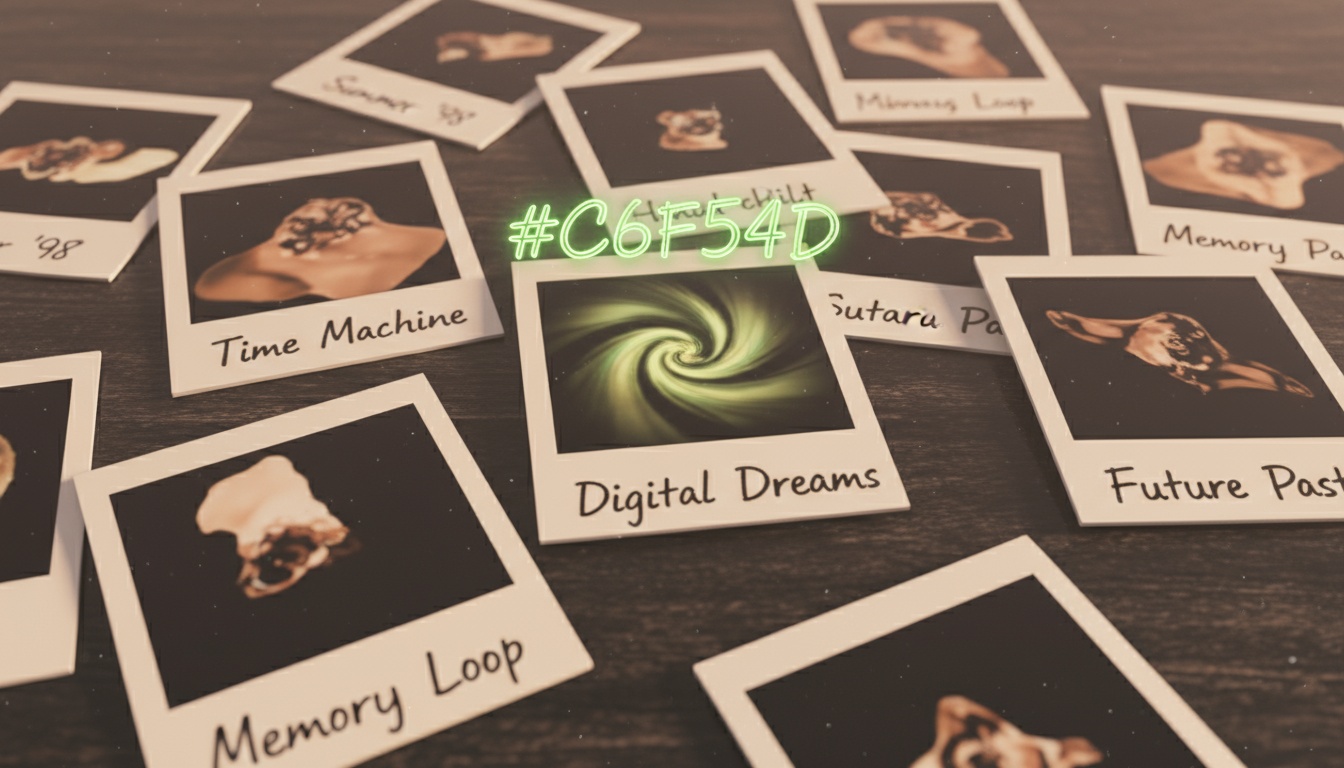
There's something magical about Polaroid photos—that instant, tangible nostalgia captured in a square frame with a white border. Now imagine bringing those nostalgic photos to life as animated videos, complete with vintage aesthetics and retro charm.
In this tutorial, I'll show you exactly how to create Polaroid-style AI videos that capture that classic instant camera feel. Whether you're creating content for social media, preserving family memories, or building an aesthetic brand, these techniques will help you master the vintage video look.
The Polaroid Aesthetic Explained
Before we dive into creation, let's understand what makes a video feel "Polaroid." The classic Polaroid look has specific characteristics:
- •Square or portrait aspect ratio: Traditional Polaroid is 1:1 square format
- •White borders: Thick white frame with space at bottom for captions
- •Warm, slightly faded colors: Not oversaturated, leaning toward yellow-orange tones
- •Soft focus: Slightly dreamy, not razor-sharp modern clarity
- •Film grain texture: Subtle texture that mimics analog film
- •Handwritten captions: Often includes text written on the white border
AI video generation can replicate all these elements, creating convincing vintage videos that feel authentic rather than filtered. The key is understanding which elements matter most and how to combine them effectively.
Choosing Photos for Polaroid Effect
Not all photos work equally well for Polaroid-style animation. Here's what to look for:
Best photo types:
- •Portraits and selfies: Classic Polaroid subjects, perfect for nostalgic feel
- •Candid moments: Casual, unposed photos match instant camera vibes
- •Travel photos: Landmarks and scenery with vintage treatment
- •Group shots: Friends and family photos benefit from nostalgic aesthetic
- •Everyday moments: The mundane becomes meaningful with Polaroid treatment
Photos to avoid:
- •Already heavily filtered modern photos (clash with vintage aesthetic)
- •Very dark or low-light images (Polaroid look needs light)
- •Complex busy scenes (work better with crisp modern clarity)
- •Ultra-high resolution detailed shots (contradicts soft Polaroid vibe)
The magic of Polaroid videos is transforming ordinary moments into something special through nostalgic presentation. Choose photos that tell stories rather than just showcase technical perfection.
One-Click Polaroid AI Videos
Videz includes dedicated Polaroid effects with authentic vintage aesthetics. No manual editing required.
Try Videz FreeEssential Polaroid Elements to Include
Creating authentic Polaroid-style videos requires specific visual elements. Here's what to incorporate:
1. The Iconic White Border:
Polaroid's signature thick white frame is non-negotiable. The border should be thicker at the bottom to accommodate captions, just like real Polaroid prints. This frame immediately signals "instant camera" to viewers.
2. Color Grading:
Polaroid color is warm and slightly faded, not vibrant and saturated. Think yellowy-peachy skin tones, slightly muted blues, warm overall cast. Avoid cool blues or overly vivid colors that scream digital.
3. Film Grain Texture:
Subtle grain adds authenticity. Real Polaroid film has visible texture, especially in darker areas. Modern clean digital video looks wrong for this aesthetic—embrace the imperfection of analog.
4. Soft Focus Quality:
Polaroid cameras weren't known for razor-sharp focus. A slightly dreamy, soft quality is accurate to the format. Not blurry—just not clinically sharp like modern phone cameras.
5. Square or Portrait Format:
1:1 square is most authentic, but portrait can work. Avoid 16:9 horizontal—it breaks the instant camera illusion completely.
Animation Styles That Work
How should Polaroid-style photos move? The animation choice affects the overall nostalgic feeling:
Gentle Pan or Dolly:
Slow, smooth camera movements feel contemplative and nostalgic. A gentle dolly-in on a portrait or slow pan across a landscape gives viewers time to absorb the memory.
Subtle Zoom:
A slow zoom in or out works well for Polaroid aesthetics. Not dramatic or fast—leisurely and thoughtful. Like someone picking up a Polaroid to look closer.
Slight Shake or Handheld:
Very subtle handheld camera shake can add to the analog feel, but use sparingly. Too much shake feels amateurish rather than vintage.
Avoid:
- •Fast dramatic movements (too modern)
- •Bullet time or complex camera work (contradicts instant camera simplicity)
- •Quick cuts or transitions (Polaroid is about stillness)
- •Aggressive zooms or whip pans (ruins contemplative mood)
The movement should feel like someone sharing a cherished memory, not creating an action movie.
Adding Captions and Text
Authentic Polaroids often have handwritten captions on the white border. Adding text enhances the instant camera authenticity:
Caption content ideas:
- •Dates: "Summer '85" or "Dec 2024" grounds the moment in time
- •Locations: "Paris" or "Grandma's house" adds context
- •Simple descriptions: "Best day ever" or "Found this guy"
- •Inside jokes: Personal messages that make photos feel intimate
- •Song lyrics: A line from a song that matches the mood
Caption style tips:
- •Use handwritten-style fonts (never corporate sans-serif)
- •Keep it short—real Polaroid captions are brief
- •Slightly messy placement feels more authentic
- •Black or dark blue ink color (not random colors)
- •Sometimes no caption is perfect too
The caption should feel like something someone would actually write on a real Polaroid, not a professionally designed graphic.
Polaroid AI with Custom Captions
Videz Polaroid effects include customizable handwritten-style captions. Just type your text and let AI handle the aesthetics.
Get Videz NowAdvanced Polaroid Techniques
Once you've mastered basics, these advanced techniques take your Polaroid videos to the next level:
Photo Stack Effect:
Create the illusion of multiple Polaroids fanned out or stacked. This works great for showing progression ("Then" and "Now" photos) or telling a story across multiple images.
Developing Animation:
Mimic the Polaroid developing process where the image gradually appears. Start with washed-out white and slowly bring in colors and contrast, just like watching a real Polaroid develop.
Era-Specific Treatments:
Different Polaroid eras had different looks. 1970s Polaroids lean more yellow-orange. 1980s have that specific faded magenta tint. 1990s are slightly clearer but still warm. Match your treatment to your intended era for authenticity.
Collage Layouts:
Multiple Polaroid-style videos arranged like photos on a wall or table. Great for storytelling across several moments or comparing different subjects.
Social Media Strategies
Polaroid-style videos perform exceptionally well on social media when used strategically:
Instagram:
Perfect for nostalgic throwback content. Use square 1:1 format for grid posts or 9:16 for Reels. Caption with "#ThrowbackThursday" or nostalgic copy about memories and moments.
TikTok:
Polaroid aesthetics tap into Gen Z's love of Y2K and retro trends. Pair with nostalgic audio or trending sounds that match the vibe. Before/after reveals work particularly well.
YouTube:
Use Polaroid-style videos as chapter breaks or transitions in longer content. They signal a different mood or time period effectively.
LinkedIn:
Surprisingly effective for humanizing professional content. Polaroid-style team photos or office moments feel authentic and relatable rather than overly corporate.
Common Polaroid Video Mistakes
Avoid these pitfalls that ruin the vintage aesthetic:
- •Too much saturation: Polaroid is faded, not vivid
- •Wrong aspect ratio: 16:9 horizontal doesn't read as Polaroid
- •No film grain: Clean digital video breaks the illusion
- •Modern fonts: Sans-serif captions look wrong
- •Aggressive movements: Slow and contemplative beats fast and dramatic
- •Thin borders: Borders need to be substantial to read as Polaroid frame
- •Cool color grading: Polaroid is warm, not cool blue-tinted
The goal is authentic nostalgia, not just slapping a filter on modern video. Each element should work together to transport viewers to the instant camera era.
Start Creating Polaroid Magic
Polaroid-style AI videos combine the best of analog nostalgia with modern AI animation. They transform ordinary photos into cherished memories, turn casual snapshots into shareable content, and add emotional depth through vintage aesthetics.
Whether you're preserving family history, building a nostalgic brand aesthetic, or just creating engaging social media content, Polaroid-style videos offer a unique and compelling format that stands out in digital feeds.
Create Authentic Polaroid Videos in Seconds
Videz includes multiple Polaroid effects with authentic vintage aesthetics, customizable captions, and perfect square formatting. No manual editing, no film photography knowledge required. Just instant nostalgia.
Download VidezFounder & GenAI Expert
Founder of Videz and generative AI expert with extensive experience building AI-powered products.
Related Articles

AI Video Prompts: 20+ Examples That Actually Work
Copy-and-paste AI video prompts that generate stunning results. Learn what makes effective prompts and get inspired by real examples across different styles.
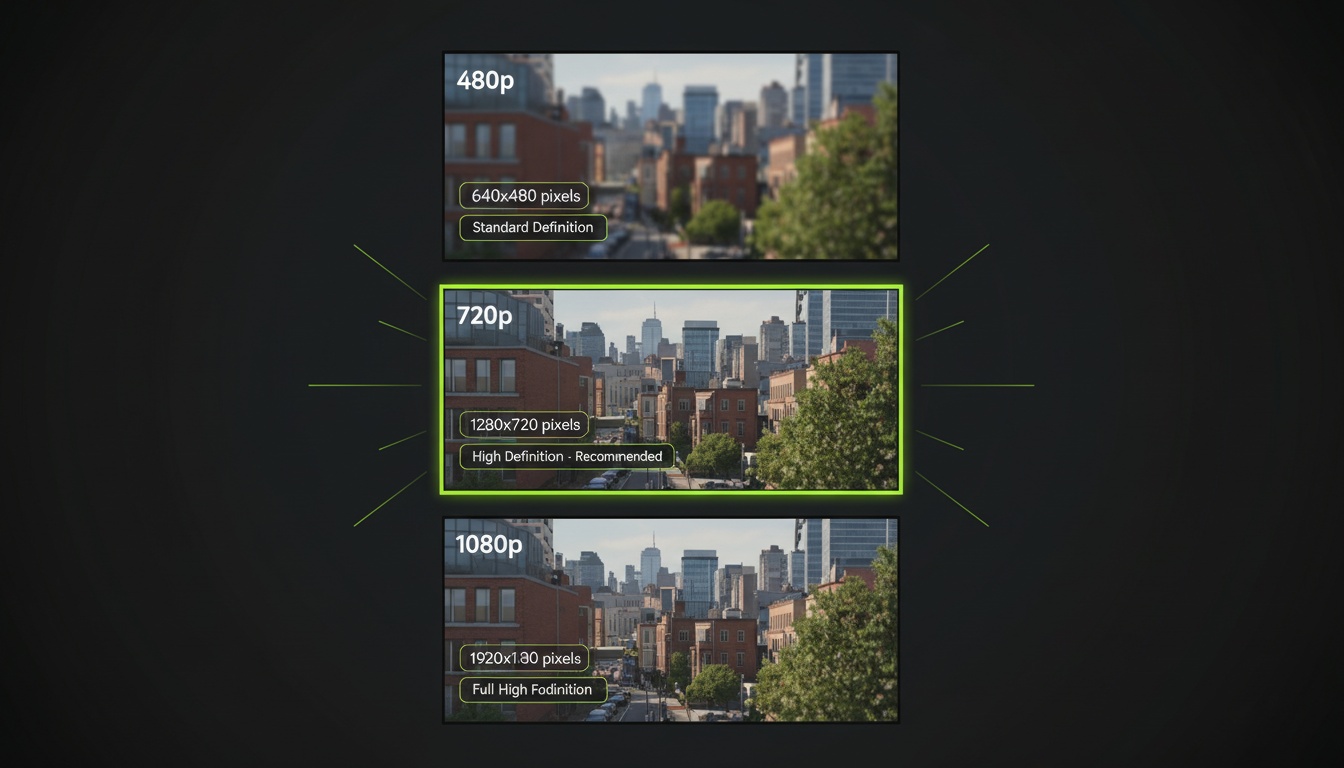
AI Video Resolution Guide: 480p vs 720p vs 1080p
Understand the trade-offs between AI video resolutions. Learn which resolution to choose for speed, quality, and cost optimization across different platforms.
AI Videos for TikTok: Complete Creator's Guide to Viral Content
Learn how to create engaging TikTok videos using AI video generators. Master effects, trends, and optimization techniques to boost your TikTok presence.