Complete Guide to AI Video Effects for Social Media
Social media moves fast. To stand out in crowded feeds on Instagram, TikTok, and YouTube, you need content that stops thumbs mid-scroll. AI video effects have become the secret weapon for creators who want to create eye-catching, shareable content without spending hours in editing software.
In this complete guide, I'll show you exactly which AI effects work best for each platform, when to use them, and how to maximize engagement. Whether you're building a personal brand or growing a business account, these techniques will transform your social media presence.
What Are AI Video Effects?
AI video effects use advanced machine learning models to transform your photos and videos in ways that would be impossible with traditional editing. Unlike simple filters that just adjust colors, AI effects completely reimagine your content.
Think of it like having a professional VFX studio in your pocket. Modern AI can:
- •Transform your style into cartoon, anime, or 3D characters
- •Add impossible physics like melting, exploding, or morphing
- •Apply professional cinematography techniques like dramatic lighting
- •Create artistic renditions in seconds that would take artists hours
- •Generate unique transformations that haven't been seen before
The best part? You don't need any technical skills or expensive equipment. Just upload a photo, select your effect, and let the AI model do the heavy lifting.
Best AI Effects for Instagram Reels
Instagram Reels favor visually striking content that looks polished and professional. The algorithm rewards videos that keep viewers watching, so choose effects that create immediate visual interest in the first second.
Top-performing effects for Instagram:
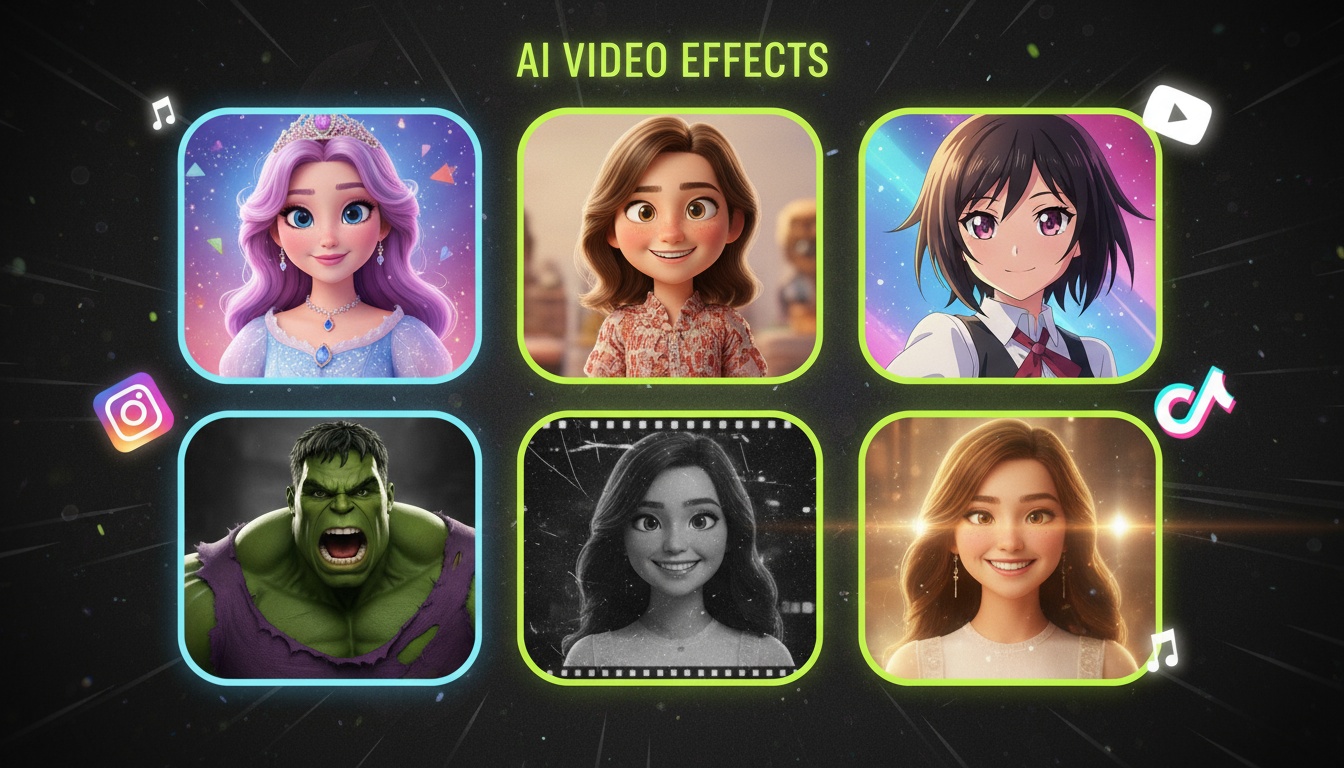
- •Disney Princess transformation: Converts portraits into Disney-style animation, perfect for before/after reveals
- •3D Pixar effect: Turns selfies into Pixar-quality 3D characters, extremely shareable
- •Cinematic glow: Adds professional lighting and color grading for that movie poster look
- •Anime conversion: Transforms photos into anime art style, huge engagement with younger demographics
- •Vintage film: Creates nostalgic film grain and color tones for aesthetic content
For Instagram specifically, use 9:16 vertical aspect ratio and keep your most dramatic visual moment in the first 3 seconds. The platform's algorithm will show your Reel to more people if viewers watch beyond the initial preview.
Create Instagram-Ready AI Videos
Videz includes 40+ effects optimized for Instagram Reels. Generate vertical videos in perfect 9:16 format.
Get Videz FreeViral Effects for TikTok
TikTok thrives on trends and novelty. What works on TikTok today might be overused tomorrow, so staying current with fresh AI effects is crucial. The platform's audience skews younger and appreciates humor, creativity, and authenticity over polish.
Effects that consistently perform well on TikTok:
- •Meme transformations: Hulk, Shrek, or character conversions for comedic content
- •Cakeify effect: Turns everything into realistic-looking cake (weirdly viral)
- •Style transfer: Converts your videos to famous art styles like Van Gogh or Picasso
- •Age progression/regression: Shows how you'd look older or younger
- •Superhero/villain transformations: Marvel and DC character effects dominate engagement
Pro tip for TikTok: Pair your AI effect with trending audio for maximum discoverability. The combination of visual novelty and popular sound creates the perfect viral formula.
YouTube Shorts: What Works Best
YouTube Shorts is the newest player in short-form video, but it has unique advantages. Videos can be discovered months or years later through search, unlike TikTok's fleeting trends. This means your AI-enhanced content has longer-term value.
Effective effects for YouTube Shorts:
- •Tutorial transformations: Show before/after of AI effects as educational content
- •High-quality cinematic effects: YouTube's audience appreciates production value
- •Comparison videos: Side-by-side of different AI effects on the same photo
- •Behind-the-scenes: Show how AI creates effects, explaining the inference process
- •Product demonstrations: Use AI effects to make product showcases more engaging
For YouTube, consider using 16:9 horizontal format for Shorts that might also work as regular videos, or optimize for 9:16 vertical if focusing solely on Shorts features.
Multi-Platform AI Videos in One Click
Create videos in any aspect ratio. Generate once, export for Instagram, TikTok, and YouTube.
Try Videz NowPlatform-Specific Optimization Tips
Each platform has unique technical requirements and algorithmic preferences. Here's how to optimize your AI effect videos for maximum performance:
Instagram Best Practices:
- •Upload in 1080x1920 resolution for crisp quality
- •Keep videos under 60 seconds (90 seconds max)
- •Add captions for sound-off viewing
- •Use 3-5 relevant hashtags (not 30)
- •Post during peak engagement hours (6-9 PM)
TikTok Best Practices:
- •Aim for 7-15 second videos for best retention
- •Hook viewers in first 3 frames
- •Use trending sounds when possible
- •Engage with comments immediately after posting
- •Post 1-3 times daily for algorithm favor
YouTube Shorts Best Practices:
- •Include searchable keywords in title and description
- •Create thumbnail-worthy first frames
- •Keep it under 60 seconds
- •Add clear CTAs to subscribe
- •Link to longer videos when relevant
When to Use Which Effect
Not every AI effect works for every situation. Here's my decision framework for choosing the right effect:
- •Personal branding: Use subtle, professional effects like cinematic grading or gentle style transfers
- •Entertainment content: Go bold with character transformations, meme effects, or artistic styles
- •Educational content: Demonstrate AI capabilities with clear before/after comparisons
- •Product marketing: Use effects that enhance rather than distract from your product
- •Viral attempts: Chase trending effects and put your unique spin on popular formats
Remember that authenticity beats perfection on social media. An AI effect that showcases your personality will always outperform a technically perfect but generic video.
Combining Effects for Unique Content
The real magic happens when you layer different AI capabilities. Advanced creators are combining:
- •AI effects + custom prompts for completely unique looks
- •Camera movements + style transfers for dynamic artistic videos
- •Multiple effects in sequence to create transformation journeys
- •AI generation + traditional editing for polished final products
- •Batch processing for consistent aesthetic across all posts
Experiment with combinations to develop your signature style that audiences will recognize instantly in their feeds.
Start Creating Today
AI video effects have democratized creative content creation. You no longer need a film degree or expensive equipment to create videos that compete with professional studios. All you need is a good photo, the right effect, and a platform to share your creativity.
Start with one platform, master a few key effects, and gradually expand your toolkit. The creators seeing the most success aren't using every effect available—they're using the right effects strategically to tell their unique stories.
40+ AI Effects Ready to Use
Stop scrolling through tutorials. Videz gives you every effect mentioned in this guide, optimized for Instagram, TikTok, and YouTube. Download free and create your first viral video today.
Download VidezFounder & GenAI Expert
Founder of Videz and generative AI expert with extensive experience building AI-powered products.
Related Articles

AI Video Prompts: 20+ Examples That Actually Work
Copy-and-paste AI video prompts that generate stunning results. Learn what makes effective prompts and get inspired by real examples across different styles.
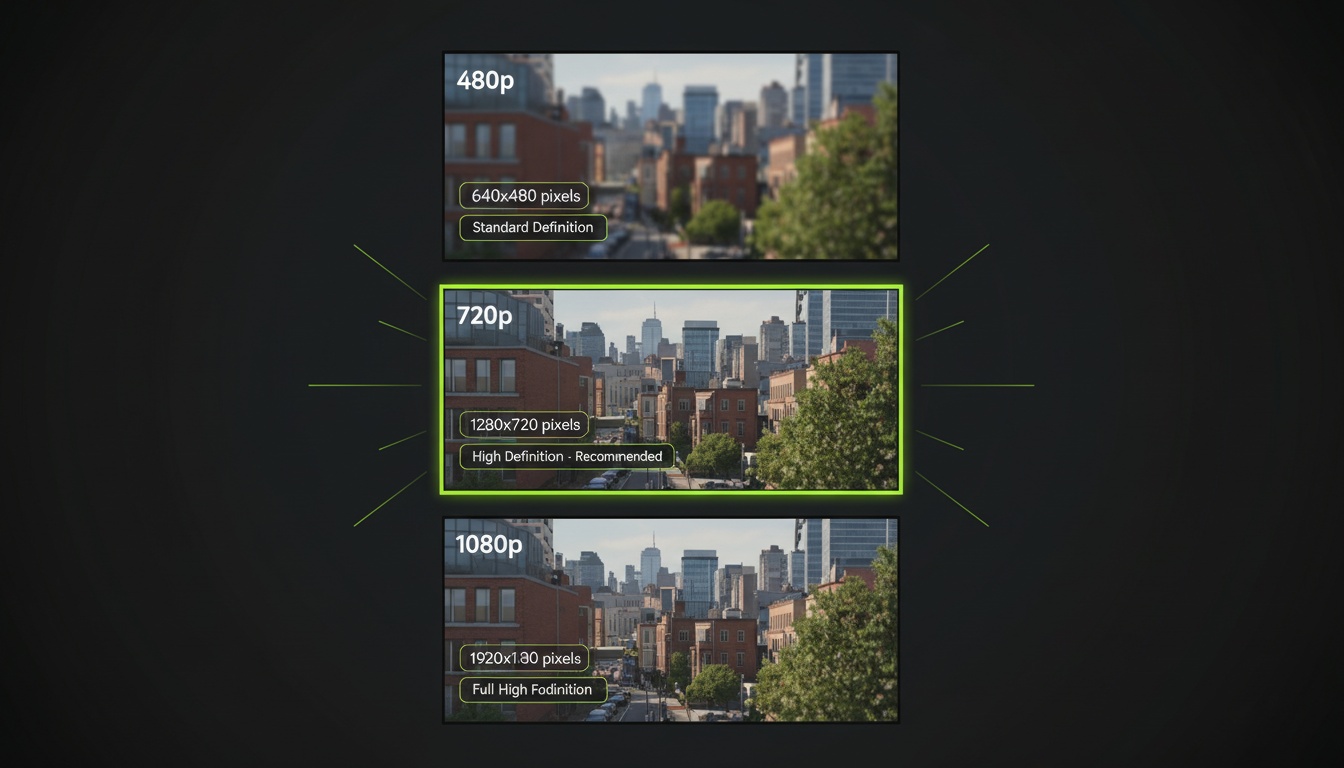
AI Video Resolution Guide: 480p vs 720p vs 1080p
Understand the trade-offs between AI video resolutions. Learn which resolution to choose for speed, quality, and cost optimization across different platforms.
AI Videos for TikTok: Complete Creator's Guide to Viral Content
Learn how to create engaging TikTok videos using AI video generators. Master effects, trends, and optimization techniques to boost your TikTok presence.