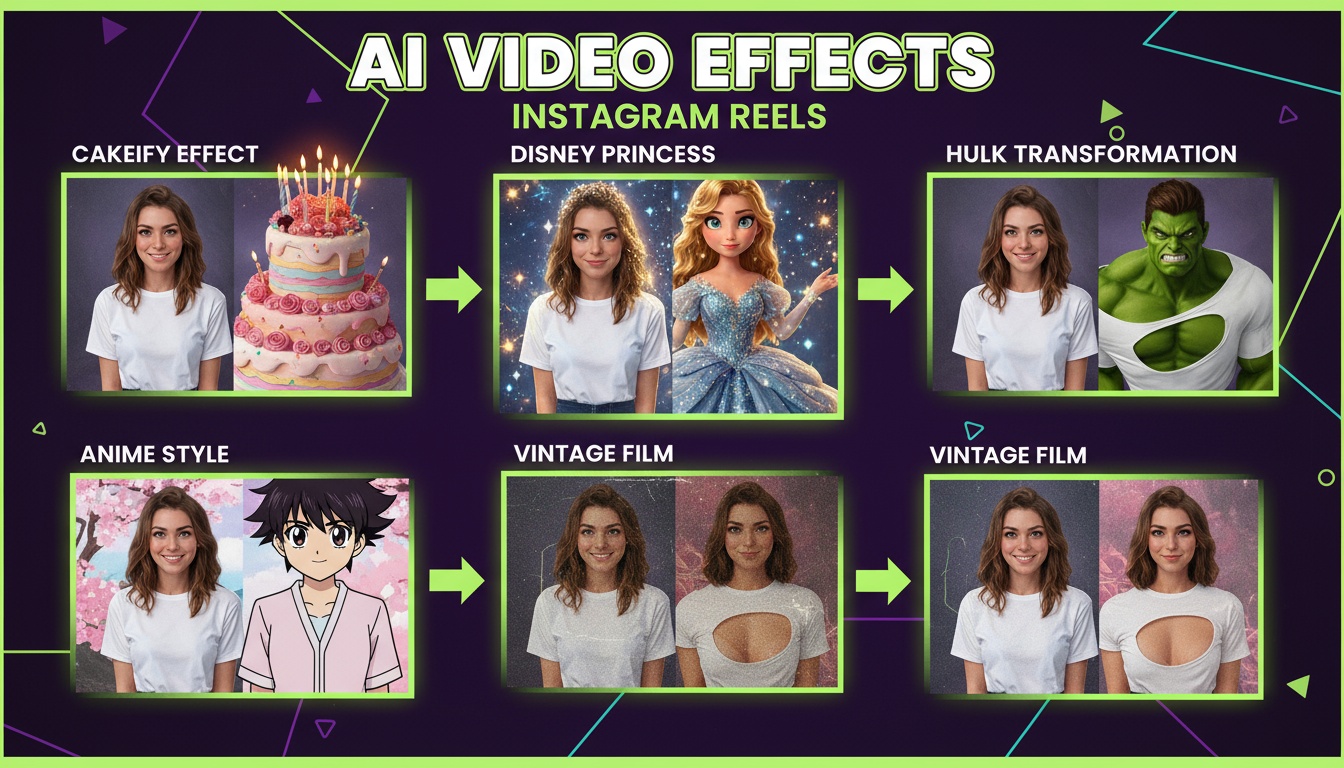
How to Make Professional AI Videos for Instagram Reels
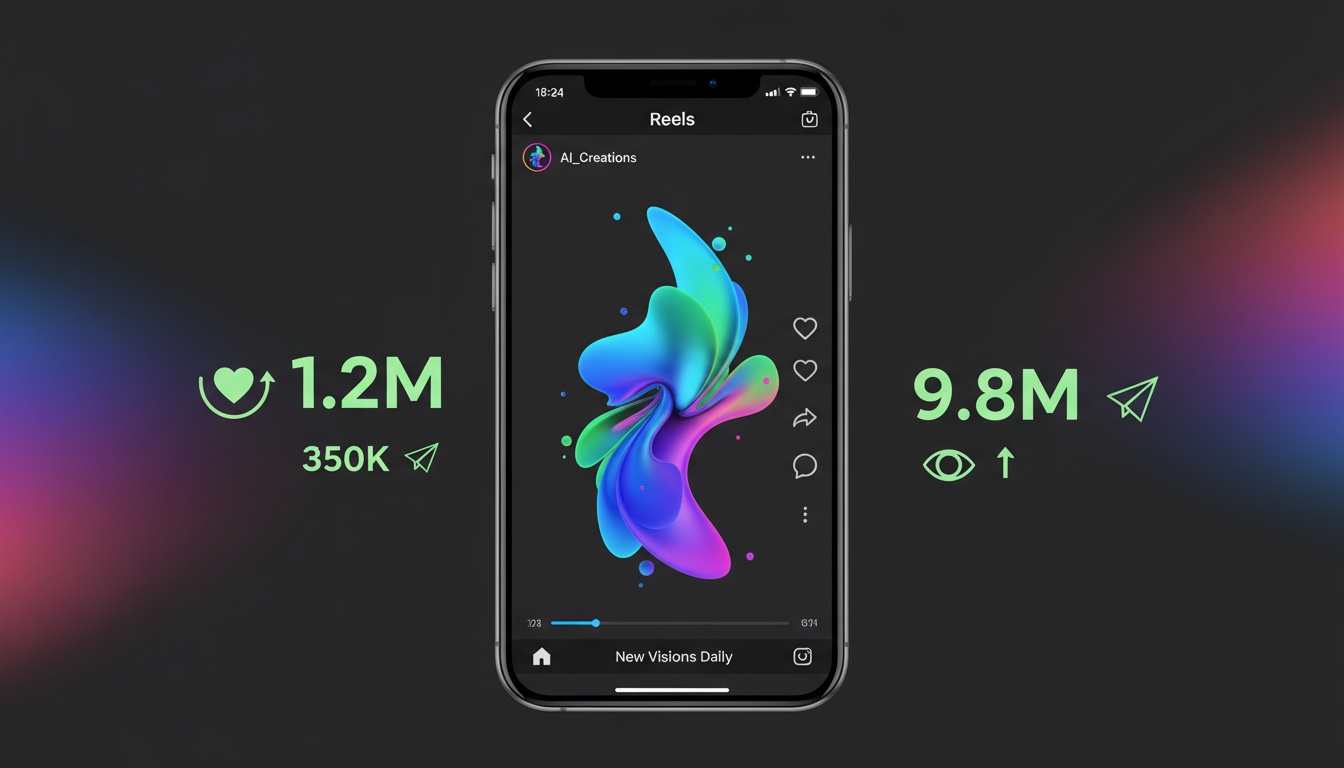
Instagram Reels isn't just another social media feature—it's Instagram's fastest-growing content format, with over 200 billion plays daily. Creators who master Reels see explosive growth in followers, engagement, and opportunities. But standing out in a feed full of polished content requires more than just good ideas.
Enter AI video generation. This technology levels the playing field, giving you access to professional-quality visual effects, transitions, and transformations that would normally require expensive equipment and editing skills. In this guide, I'll show you exactly how to create Instagram Reels that stop scrollers and drive engagement using AI.
Instagram Reels Technical Specifications
Before diving into creative strategies, let's nail the technical requirements. Instagram is picky about video specs, and getting these wrong can hurt your reach:
- •Aspect Ratio: 9:16 (1080 x 1920 pixels) for full-screen vertical
- •Resolution: Minimum 720p, but 1080p recommended for quality
- •Duration: 90 seconds maximum, but 7-30 seconds gets best engagement
- •File Format: MP4 or MOV with H.264 codec
- •File Size: Under 1GB, though smaller is better for upload speed
Most AI video generators let you specify these settings before generation. Always choose 9:16 aspect ratio for Reels—horizontal or square videos will get letterboxed and look unprofessional in the Reels feed.
The 3-Second Hook Rule
Here's the brutal truth: you have 3 seconds to grab attention before viewers scroll away. Instagram's algorithm tracks this ruthlessly—if viewers skip your Reel in the first few seconds, your reach gets crushed.
AI video effects excel at creating instant visual interest. Strategies that work:
- •Dramatic transformations: Start with "before" and immediately show the "after"
- •Movement: Begin with dynamic camera motion or subject movement
- •Visual contrast: Open with bold colors, unexpected imagery, or striking composition
- •Pattern interrupts: Show something unusual that breaks the scroll pattern
- •Text hooks: Combine AI visuals with on-screen text asking questions or making bold claims
Example: Instead of a slow build-up to your AI effect, start with the effect already happening. Show the Disney Princess transformation mid-change, the camera movement already in motion, the style transfer already transforming. Action first, explanation later.
40+ Scroll-Stopping AI Effects
Every Videz effect is designed for maximum visual impact in the first frame. Perfect for Instagram Reels.
Get Videz FreeTrending AI Effects for Reels
Not all AI effects perform equally on Instagram. Based on analyzing thousands of viral Reels, these effects consistently drive the highest engagement:
Character Transformations (Disney, Pixar, Anime):
These never get old. People love seeing themselves reimagined as cartoon characters. The before-after format is perfect for Reels, and these consistently get high shares as viewers tag friends saying "you need to try this!"
Cinematic Camera Movements:
Dolly zooms, smooth pans, and professional camera work make your photos look like movie scenes. These elevate perceived production value instantly, making your content stand out as premium quality.
Style Transfer Effects:
Transforming your photos into famous art styles (Van Gogh, Warhol, comic book) appeals to the aesthetic-focused Instagram audience. These work especially well for fashion, travel, and lifestyle creators.
Meme Effects (Hulk, Shrek, Cakeify):
Humorous transformations get massive engagement through entertainment value. These are less about looking professional and more about being shareable and fun.
Optimizing AI Videos for the Algorithm
Creating great content is half the battle. Making the Instagram algorithm love your content is the other half. Here's what Instagram's algorithm prioritizes for Reels:
- •Watch time: Viewers watching your full Reel signals quality content
- •Replays: If people watch multiple times, Instagram shows it to more people
- •Shares: Sending your Reel to others is the strongest engagement signal
- •Saves: Viewers saving your Reel indicates valuable content worth revisiting
- •Comments: Genuine conversation in comments boosts reach
How to optimize AI-generated Reels for these metrics:
- •Keep Reels under 15 seconds to maximize completion rate
- •Create replay value by packing details viewers want to rewatch
- •Add value (tutorial, inspiration, entertainment) to encourage saves
- •Ask questions in captions to drive comments
- •Use trending audio to ride existing momentum
AI video generation helps here because you can create multiple versions of the same concept quickly. Test different effects, different durations, and different hooks to see what resonates with your specific audience.
A/B Test Your Way to Viral Reels
Generate multiple variations in minutes. Find what works for your audience, then double down.
Try Videz NowCaption Strategies That Convert
Your AI-generated video grabs attention, but your caption drives action. Effective caption formulas for Reels:
The Hook + Value + CTA Format:
"Wait, you can turn any photo into a Disney character? 🤯 [Hook] Here's how I created this in 30 seconds using AI. [Value] Drop a 🎨 if you want the tutorial! [CTA]"
The Question Format:
"Which AI effect should I try next? A) Pixar B) Anime C) Marvel" This drives comments as people vote, boosting your algorithm performance.
The Tutorial Tease:
"Everyone's asking how I make these AI videos. Save this for later! ⬇️ [Instructions below]" Encourages saves, which Instagram loves.
Keep captions under 125 characters when possible—Instagram truncates longer captions in Reels, requiring users to tap "more" to read the rest.
Hashtag Strategy for Maximum Reach
Hashtags still matter for Reels discovery, but Instagram's strategy has evolved. Here's what works in 2025:
- •Use 3-5 hashtags maximum (not 30 like the old days)
- •Mix one broad hashtag (#ai), one medium (#aivideos), one niche (#disneyaifilter)
- •Create a branded hashtag for your content series
- •Put hashtags in the first comment, not caption, for cleaner look
- •Avoid banned or spammy hashtags that hurt reach
For AI-generated content, effective hashtags include: #aivideo #aiart #aicreator #contentcreator #reelstutorial #instagramtips #videoedit #aieffects
Posting Schedule and Frequency
When and how often you post impacts performance. Based on Instagram analytics across thousands of creators:
- •Best posting times: 6-9 PM local time when your audience is most active
- •Optimal frequency: 3-5 Reels per week minimum for algorithm favor
- •Consistency matters more than quantity: Regular schedule beats sporadic bursts
- •Peak days: Tuesday-Thursday see highest engagement for most niches
- •Test your audience: Check your Instagram Insights for YOUR specific best times
AI video generation makes consistent posting actually achievable. You can create a week's worth of Reels in an hour, then schedule them for optimal times.
Advanced Engagement Tactics
Ready to level up beyond basics? These advanced tactics drive outsized engagement:
- •Trend jacking: Apply AI effects to trending Reels formats or challenges
- •Series content: Create numbered series ("AI Effect #1 of 40") to build anticipation
- •Collaboration: Partner with other creators for cross-promotion
- •Behind-the-scenes: Show how you create AI videos, not just final results
- •Response Reels: Create Reels responding to comments or questions
Remember that Instagram rewards originality within trends. Don't just copy what's working—add your unique perspective or twist using AI effects in unexpected ways.
Start Creating Viral Reels Today
Professional AI videos for Instagram Reels aren't just possible—they're easier than ever. The combination of AI video generation technology and Instagram's creator-focused algorithm creates unprecedented opportunities for growth.
Stop scrolling through Instagram wondering how other creators make such polished content. Start creating your own viral-worthy Reels today with AI-powered effects and professional techniques.
Create Instagram Reels That Actually Perform
Videz is built specifically for social media creators. Perfect 9:16 vertical videos, trending effects, and instant generation. Join thousands of creators already growing with AI.
Download VidezFounder & GenAI Expert
Founder of Videz and generative AI expert with extensive experience building AI-powered products.