AI Videos for Educational Content: Engage Students and Learners

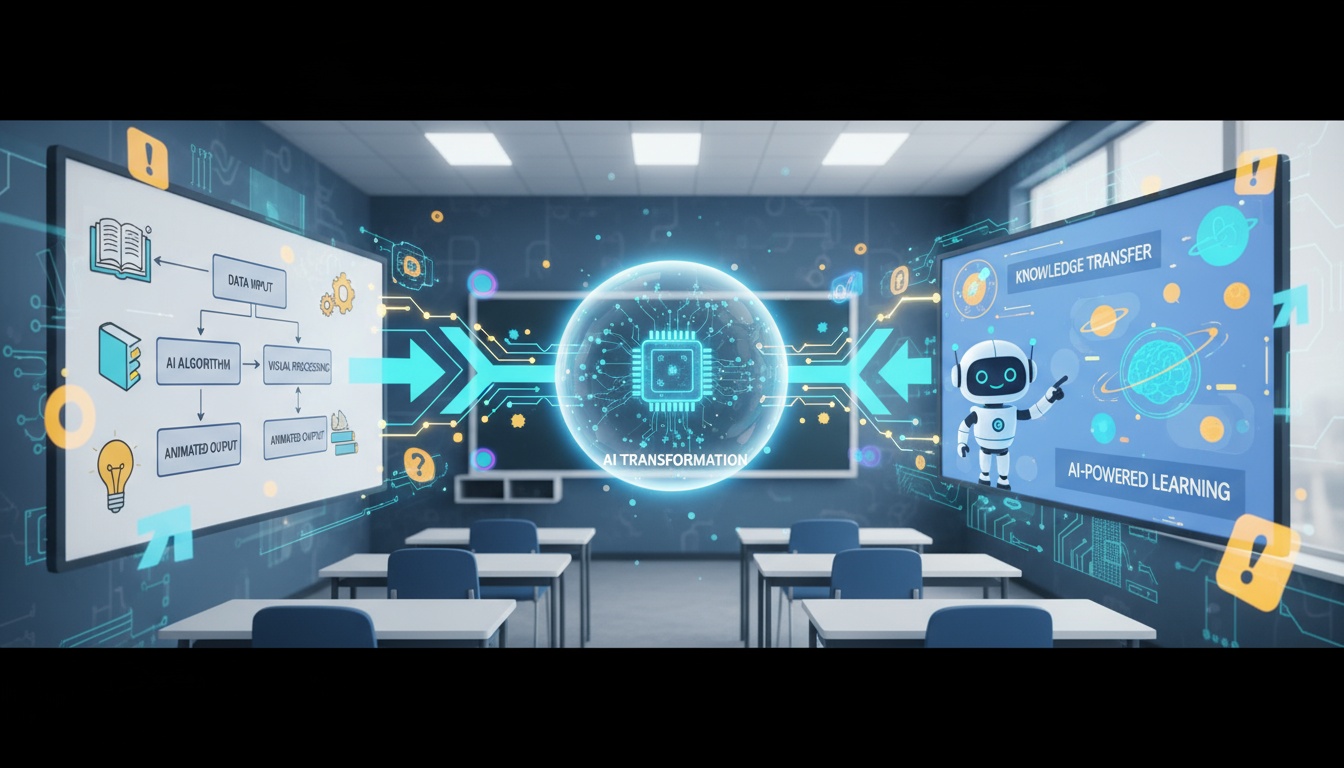
Educational content with video elements increases student engagement by 95% and improves knowledge retention by 60%. However, creating professional educational videos traditionally requires significant time and technical expertise. AI video generators democratize high-quality educational content creation for teachers, professors, and course creators.
Whether you're teaching in classrooms, creating online courses, or producing educational social media content, AI-generated videos help complex concepts come to life through engaging visual storytelling.
Why Video Enhances Learning
The science of learning supports video-based educational content:
- •Visual processing - Humans process visuals 60,000x faster than text
- •Retention rates - Video content improves retention by 60% vs. text alone
- •Engagement - Students are 95% more engaged with video lessons
- •Accessibility - Visual learning accommodates different learning styles
- •Reusability - One video can be watched repeatedly at student's own pace
AI video generation removes the technical barriers that prevent many educators from incorporating video into their teaching materials.
Types of Educational Videos
Different educational contexts benefit from different video approaches:
Concept Explanations
Transform static diagrams and illustrations into animated explainers. Use camera movements to guide students' attention through complex processes step by step.
Historical Content
Bring historical photos to life with AI animation. Students connect more deeply with history when static images transform into dynamic visual narratives.
Scientific Demonstrations
Show scientific concepts and experiments through AI-enhanced visual effects. Make abstract concepts tangible with effects that illustrate processes and transformations.
Social Media Educational Content
Create engaging educational content for TikTok, Instagram, and YouTube. Short, visually striking AI videos help educators reach students on platforms they already use.
Create Engaging Educational Videos
Transform your teaching materials into dynamic video content. Improve student engagement and learning outcomes.
Download VidezEducational Video Creation Workflow
Follow this efficient workflow for creating educational content:
Step 1: Content Planning
Identify key concepts that benefit from visual demonstration. Break down complex topics into discrete visual segments that can be illustrated through AI-generated videos.
Step 2: Visual Asset Selection
Gather relevant images: diagrams, photos, illustrations, or screenshots. Ensure images clearly represent the concepts you're teaching.
Step 3: AI Generation
Apply appropriate AI effects to bring static educational materials to life. Camera movements can guide students through diagrams, while transformations can illustrate before-and-after concepts.
Step 4: Educational Enhancement
Add narration, captions, and text overlays to AI-generated videos. Layer your teaching expertise onto the visual foundation AI provides.
Platform-Specific Strategies
Optimize educational videos for different learning platforms:
Learning Management Systems (LMS)
Upload AI-generated videos to Canvas, Blackboard, Moodle, or Google Classroom. Embed videos directly in course modules alongside text and assignments for multimodal learning.
YouTube Educational Channels
Create engaging thumbnails and titles for AI-generated educational content. YouTube's algorithm favors watch time - compelling visuals keep students engaged through entire lessons.
Online Course Platforms
Teachable, Udemy, and Coursera all support video content. Use AI-generated videos to enhance course value and production quality without increasing creation costs.
Social Media Education
Share bite-sized educational content on TikTok, Instagram, and LinkedIn. Short AI videos that explain single concepts perform exceptionally well for educational creators building audiences.
Best Practices for Learning Outcomes
Maximize educational effectiveness with these evidence-based practices:
Cognitive Load Management
Keep videos short and focused - 5-10 minutes maximum. AI effects should enhance learning, not distract from it. Use subtle effects for complex topics, more dynamic effects for introductory material.
Signaling and Cueing
Use AI camera movements to direct student attention to important elements. Zoom effects emphasize key concepts, while pan movements show relationships between ideas.
Multimedia Principle
Combine AI-generated visuals with clear narration. Students learn better from words and pictures together than from words alone.
Subject-Specific Applications
Different subjects benefit from specific AI video applications:
STEM Education
Use AI to animate diagrams showing scientific processes, mathematical concepts, or engineering principles. Make abstract concepts concrete through visual representation.
History and Social Studies
Bring historical photos and documents to life. AI animation creates emotional connections with historical events and figures, improving engagement and retention.
Language Learning
Create visual vocabulary lessons and cultural context videos. Visual associations improve vocabulary retention and understanding of cultural contexts.
Arts and Design
Showcase artwork and design principles through camera movements that reveal details and composition. Before-and-after effects demonstrate artistic techniques and processes.
Accessibility Considerations
Ensure educational videos are accessible to all learners:
- •Captions - Always add captions for deaf and hard-of-hearing students
- •Audio descriptions - Narrate visual elements for visually impaired learners
- •Pacing - Keep effects at moderate speeds for processing time
- •Color contrast - Ensure text overlays have sufficient contrast
- •Transcript availability - Provide text alternatives to video content
Measuring Educational Impact
Track these metrics to assess video effectiveness:
- •Completion rates - Percentage of students who watch entire videos
- •Rewatch behavior - How often students review video content
- •Assessment performance - Test scores for video-based vs. text-only lessons
- •Student feedback - Direct surveys about video helpfulness
- •Engagement time - How long students spend with video materials
Use this data to refine your video creation strategy, identifying which AI effects and formats work best for your specific subject matter and student population.
Time and Cost Efficiency
AI video generation dramatically reduces educational content creation time:
- •Traditional video production - Hours of filming and editing per lesson
- •AI-generated videos - Minutes to create visual content
- •Scalability - Easily create videos for entire curriculum
- •Updates - Quickly refresh content when curricula change
- •Professional quality - No videography expertise required
This efficiency enables educators to create comprehensive video libraries that enhance learning without overwhelming workloads.
Transform Your Educational Content
Join educators worldwide using AI to create engaging learning experiences. Professional educational videos in minutes.
Start CreatingFounder & GenAI Expert
Founder of Videz and generative AI expert with extensive experience building AI-powered products.